
ChatGPT scheduled tasks remind you. Agents do the job.
ChatGPT’s scheduled tasks are great for a morning briefing or a ping when something changes. They run inside ChatGPT, report back to you, and each plan caps how many can be active at once. When the scheduled job is real work, like updating a file, chasing an invoice or entering an order, an Octopus Prime agent does it on your computer.
From $10/month 30 days free No credit card

What ChatGPT’s tasks do well
You ask for a task with a time, such as “every Monday at 8, give me the week’s weather and my first meetings,” and ChatGPT runs it and notifies you. Paid plans get exact times and hourly repeats; the free plan uses broad windows like morning or night. OpenAI’s help page lists how many tasks each plan can keep active, and a task can pause if its chat is archived or it needs an approval.
From a report to the work itself
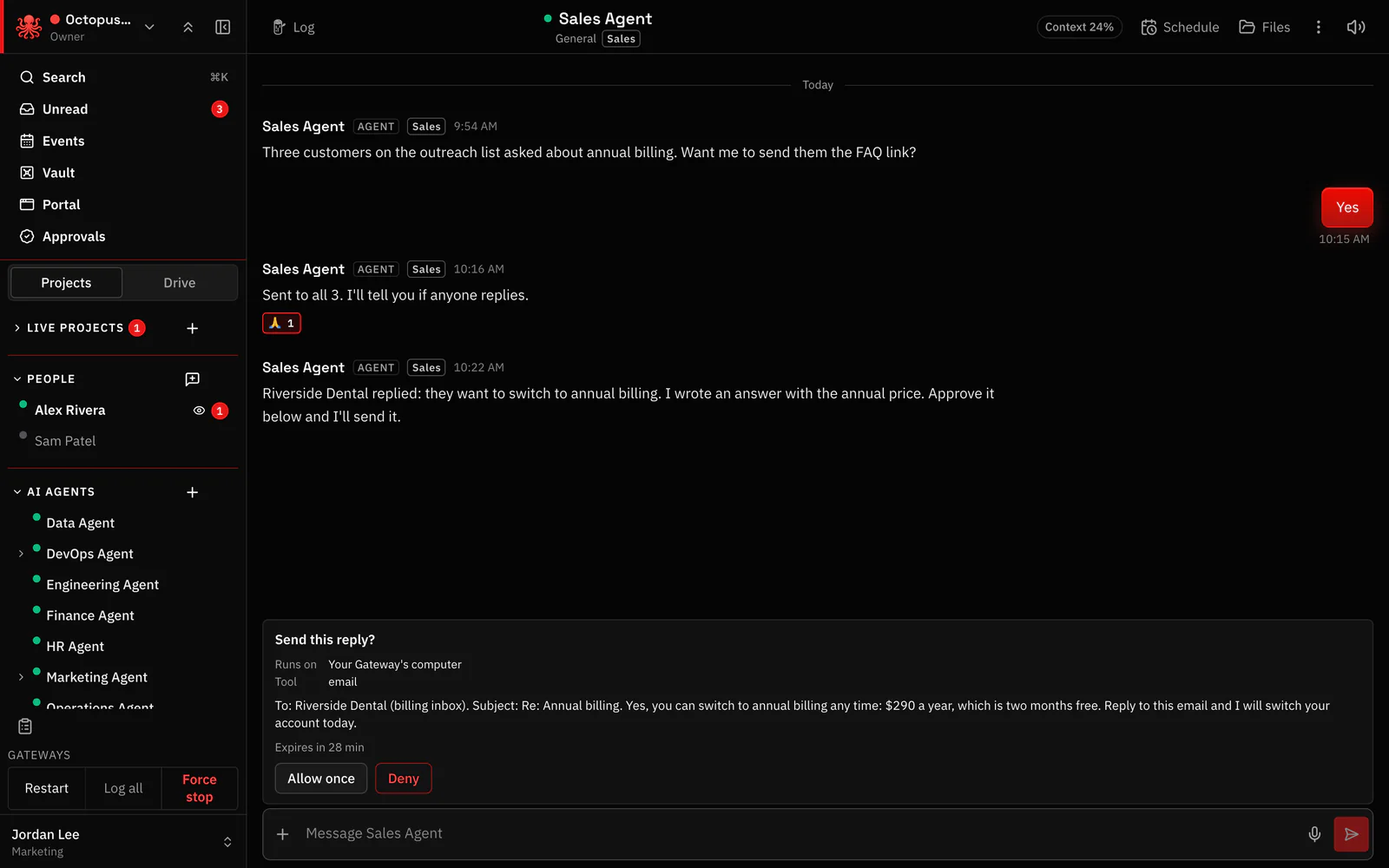
Ask ChatGPT “every Friday, tell me which invoices are overdue” and you get a list. Then the real work starts: open each account, write each reminder, keep track of who you chased. Give the same job to an agent and it opens the export on your computer, ranks the overdue invoices, drafts each reminder in your voice and puts them in front of you to approve. The project log notes who was chased and when.
Spread the jobs across agents
Each repeating job is a task with an owner. Sales Agent owns the Monday pipeline, a bookkeeping agent owns the month-end list, Support Agent owns the morning inbox round-up. Everyone can see who owns what, when it is due and whether it ran.
Can ChatGPT run in the background? Agents keep going
An agent lives on a computer you own and works whether or not anyone has a chat open. When a task is due it starts by itself. If the computer was offline, you are told and can rerun it with a tap.

It shows up on the calendar, too
Invite an agent to an event the way you invite a colleague, or ask it to put the follow-up call on the calendar. Tasks with due times and events sit side by side, so a busy week is visible at a glance.

Your ChatGPT plan, your limits
Choose Sign in with ChatGPT and agents run on the ChatGPT plan you already pay for, within its usage limits. An OpenAI API key, billed per use, works too. Set a daily or monthly spending limit on each agent, and pick the model that fits the job.

Questions
Why did my ChatGPT scheduled task stop?
OpenAI says a task can pause when it is inactive, needs an approval, or its chat was archived or deleted. Open Scheduled in ChatGPT to resume it.
How many scheduled tasks can I have in ChatGPT?
It depends on your plan. OpenAI’s help page on scheduled tasks lists the current active-task limits.
Can my agents use my ChatGPT Plus plan?
Yes. Choose Sign in with ChatGPT and they work on your plan, within its usage limits. An OpenAI API key works too.
Hand your agents real work. You stay in control.
From $10/month 30 days free No credit card
