
Control AI agent costs across your company
Give each agent a spending limit, run quick questions on the AI plan you already pay for, and choose the right model for each chat. This page is for the person who gets the AI bill.
From $10/month 30 days free No credit card

Where the money goes
Running agents has more than one cost, and they behave differently. Knowing which is which makes the rest easy. Spending limits and model choices work on the second line, which is the one that surprises people.
- The Octopus Prime plan: a flat monthly price for your people, agents and storage
- Your AI provider: model usage, billed to you directly, and the part that grows with use
- Optional voices: the default voice is free, and Premium and HD voices are pay as you go
A spending limit for each agent
Set a daily or monthly limit per agent. The usage page shows spend today, over the last week and over the last month, with a chart, next to the limit. With Stop the agent at the limit switched on, the agent stops spending at the limit until the next period or until you raise it. When that happens, two buttons wait on the screen: raise the limit, or turn the stop off. Limits are whole dollars. For example, Marketing Agent might have five dollars a day and fifty a month. A Shopping Agent that places small orders might have a flat twenty a month. When it reaches twenty it stops answering until the first of the month, and the person responsible decides whether to raise it.

Who sees the numbers
An agent’s owner and the organization’s Owners and Admins see each agent’s usage and estimated cost and can set its limit. Give heavy agents more room and light agents a tight budget, then review once a month.
Quick questions on the plan you already pay for
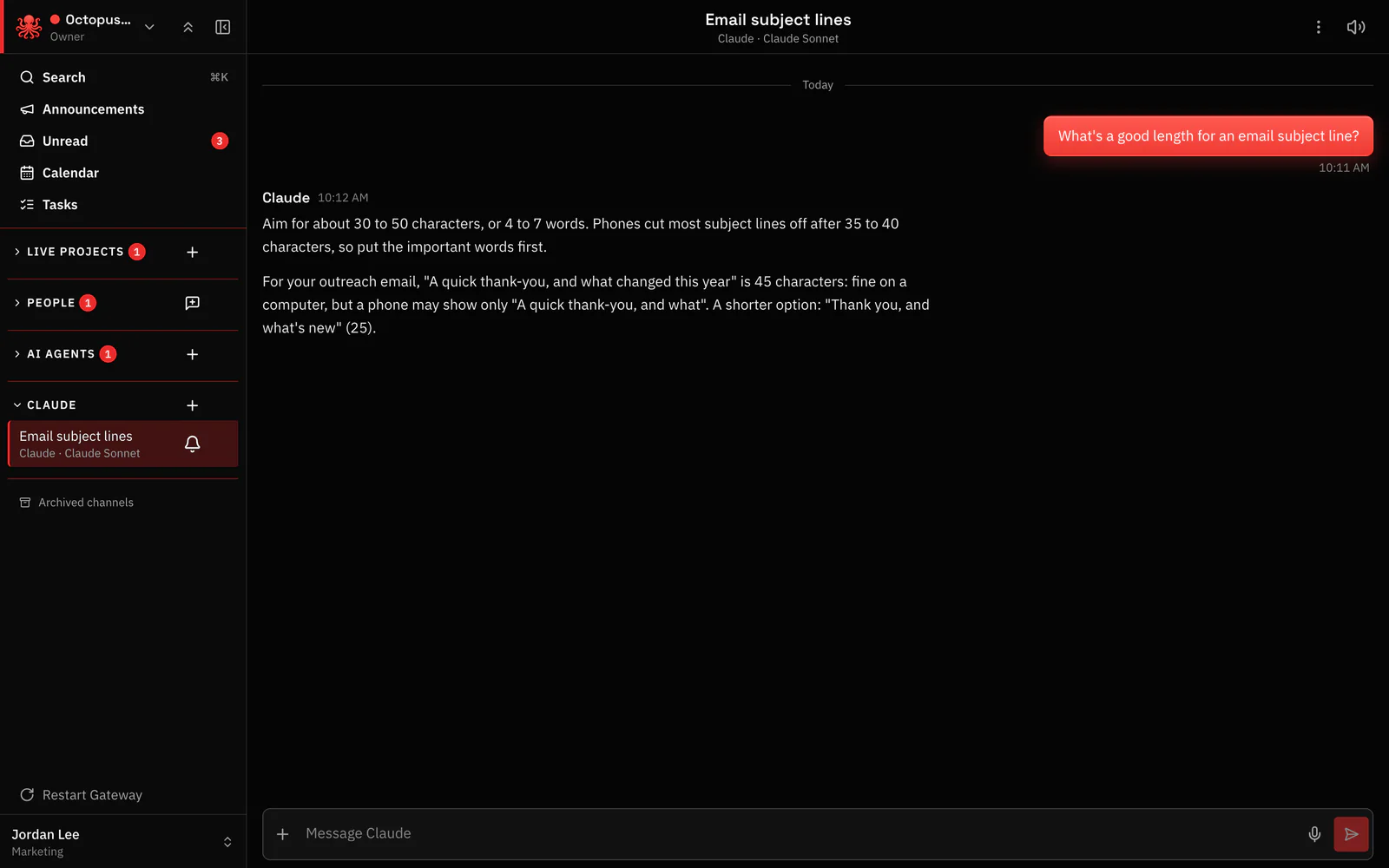
Quick questions run on the AI login already on your computer. That means a person asking “how long should a subject line be?” does not start a new bill.
The right model for each chat
Pick a cheaper model for simple work and a stronger one only where it matters, right from the chat header. The model menu shows each model with its price.

Short, focused conversations
Ready-made project channels keep each conversation on one job, and private AI chat keeps quick questions off your agents. An Owner or Admin connects the organization’s own key for private chat and chooses who can use it. Each person’s chats stay private. When a long chat is about to run out of room, the agent starts a fresh one on its own and reads the project log, so work does not repeat. A bigger always-on memory for one agent costs more per message, so switch it on only where it earns its keep.
Voices and other extras
The default voice is free with no limit. Premium voices cost 0.64¢ a minute and HD voices 5¢ a minute, pay as you go. They are off until the Owner who pays turns them on, with a monthly limit they set.
A monthly cost review
- Sort agents by spend and look at the top three
- Ask whether each one’s work was worth it
- Move simple work to a cheaper model
- Raise or lower limits to match
Questions
What happens at the limit?
The agent stops spending until the next period or until you raise the limit.
Can different agents have different limits?
Yes. Each agent has its own daily or monthly limit.
Who pays for the AI usage?
You do, directly to your own AI provider. The limit keeps any one agent from running up that bill. Octopus Prime does not sell model usage.
Do quick questions cost extra?
Quick questions can run on the AI plan already on your computer, so they do not start a new bill.
Can I see what each agent costs?
Yes. The usage page shows spend today and over the last week and month, with a chart.
Every agent in your company, in one place. You stay in control.
From $10/month 30 days free No credit card
