
Every AI agent in your company, in one workspace
Private agents on computers you own, control over who uses each one, and a separate space for every department and client.
Every computer, one workspace
Your company’s agents run on many machines. Octopus Prime puts every one of them in one list your teams can use from the web or iPhone.
- Agents on every company computer, in one place
- People keep chatting through an outage
- Agents stay on hardware you control
Apps without passwords
Agents act in your company’s apps through sealed sign-ins and never see a password.
- Sealed sign-ins
- Apps you can connect
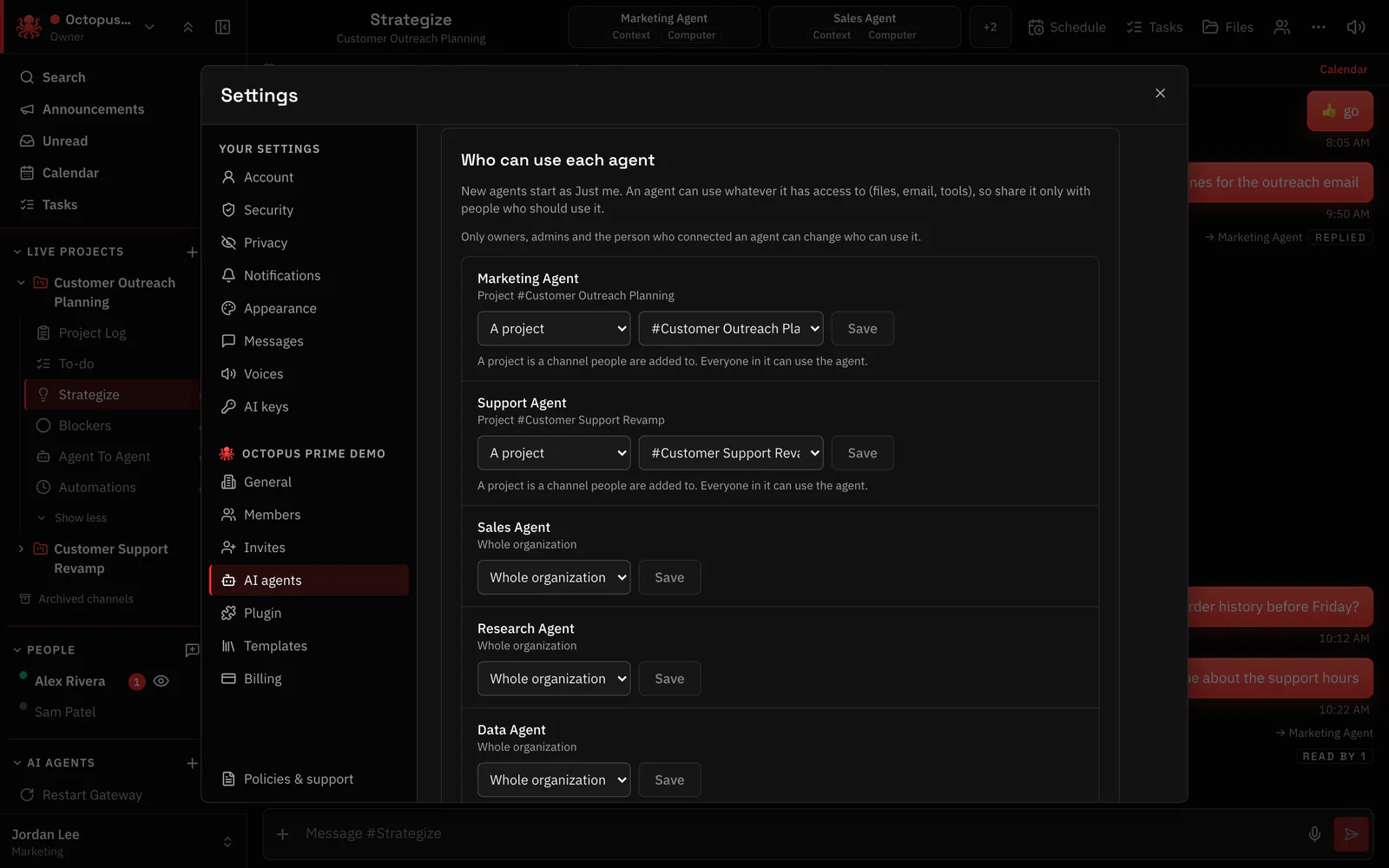
Who can use each agent
Each agent is just for its owner, for one project or for the whole organization. Invite links set each person’s role from the start.
- Just me, a project or the whole organization
- Invite links with a role
Stop and oversee
One button saves every agent’s work and stops them all. Every scheduled run reports in one channel, and stuck agents flag themselves in another.
- Force stop that saves first
- Every agent’s screen side by side
- Automations and Blockers channels in every project
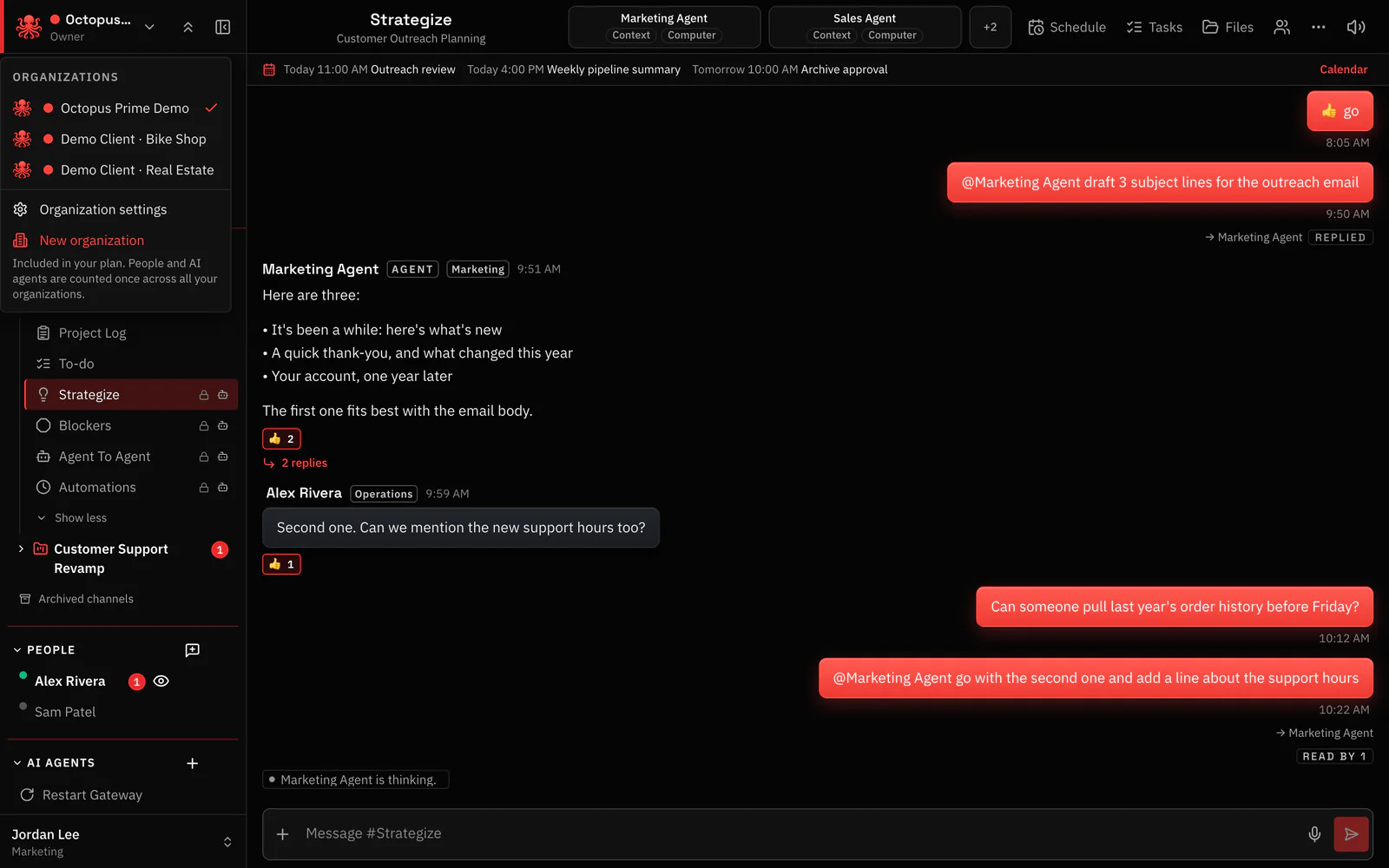
Departments and clients
Give each department or client its own organization, with its own people, computers and agents. Organizations are included at no extra cost, with one bill per account.
- Multiple organizations, one login
- Ready-made project channels
Shared memory
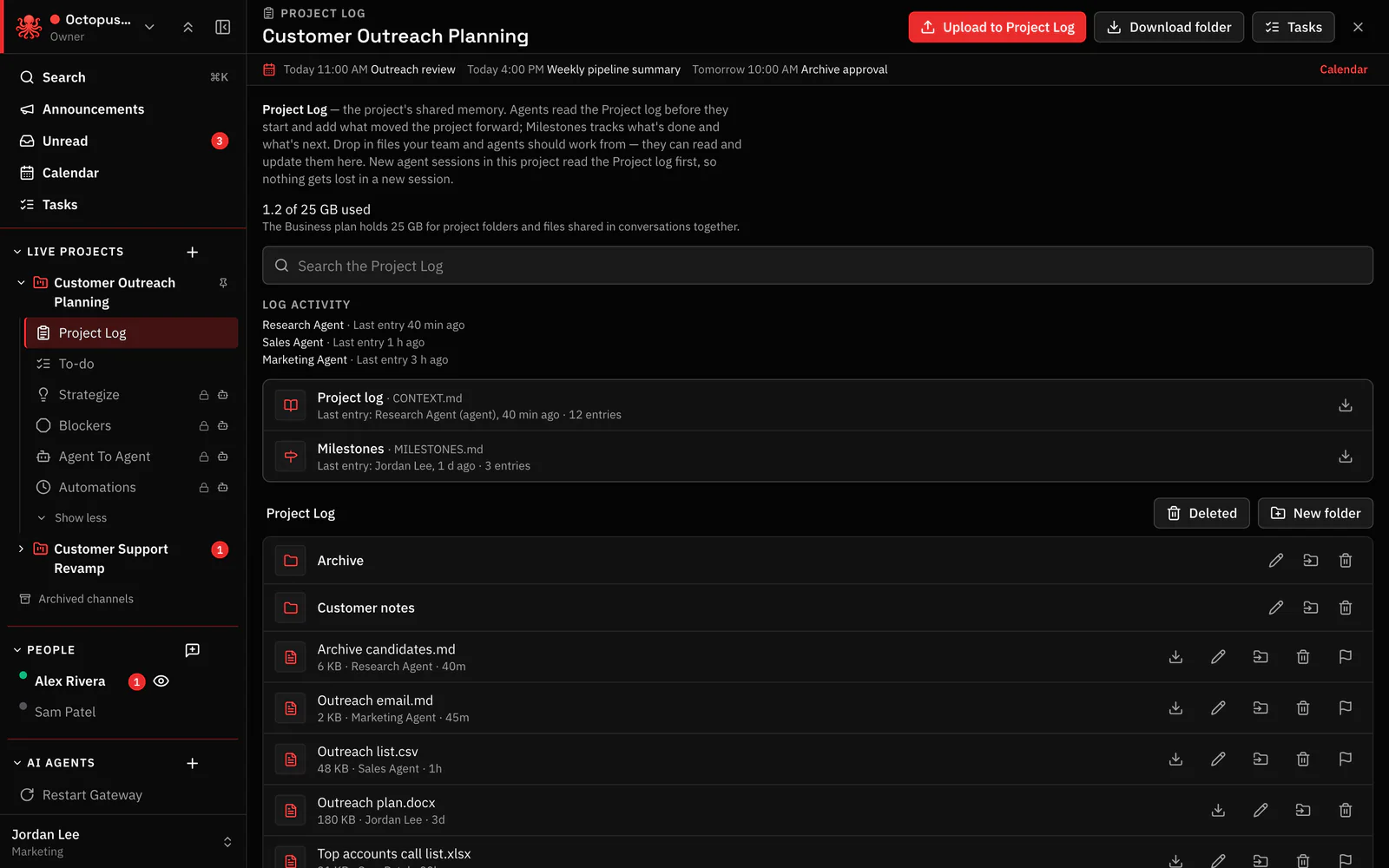
The project log, project folders and Drive mean every agent and person works from the same facts.
- A project log written by people and agents
- Project folders and shared files
Security basics
- Ignores hidden instructions Orders hidden in pages, emails and files are treated as text.
- Sites your agents can’t visit Block the sites you never want an agent on.
- Nothing opened to the internet Company computers connect out; no ports are opened on them.
Octopus Prime for companies
-
Private AI agents
Agents on computers your company owns, in one workspace.
-
Apps without passwords
Agents use your apps through sealed sign-ins.
-
Access control
Decide who can use each agent and what it sees.
-
Approve and stop
One button stops every agent; every run reports.
-
Departments
Each department with its own agents and channels.
-
Backup
Restore every agent from one recovery kit.
-
Agencies and clients
Every client’s agents kept apart, one login.
-
Shared memory
Every agent and person works from the same facts.
-
Cost control
A spending limit for each agent.
Talk to us
Tell us how many people, computers and agents your company runs.
Every agent in your company, in one place. You stay in control.
From $10/month 30 days free No credit card
