
Keep agents on track
See what your OpenClaw agent is doing in its browser
“I have no idea what my agent is clicking on.”
The agent says it filled in the supplier form. Did it pick the right shipping option? Did it stop at the payment page like you asked?
Its browser is on a machine in the office. All you have is its summary.
Why it happens in OpenClaw
- OpenClaw’s browser tool drives a separate browser profile on the Gateway’s machine. Unless you’re at that machine, you can’t see the page the agent is on.
- On a server with no screen, there’s nothing to look at at all.
How Octopus Prime solves it
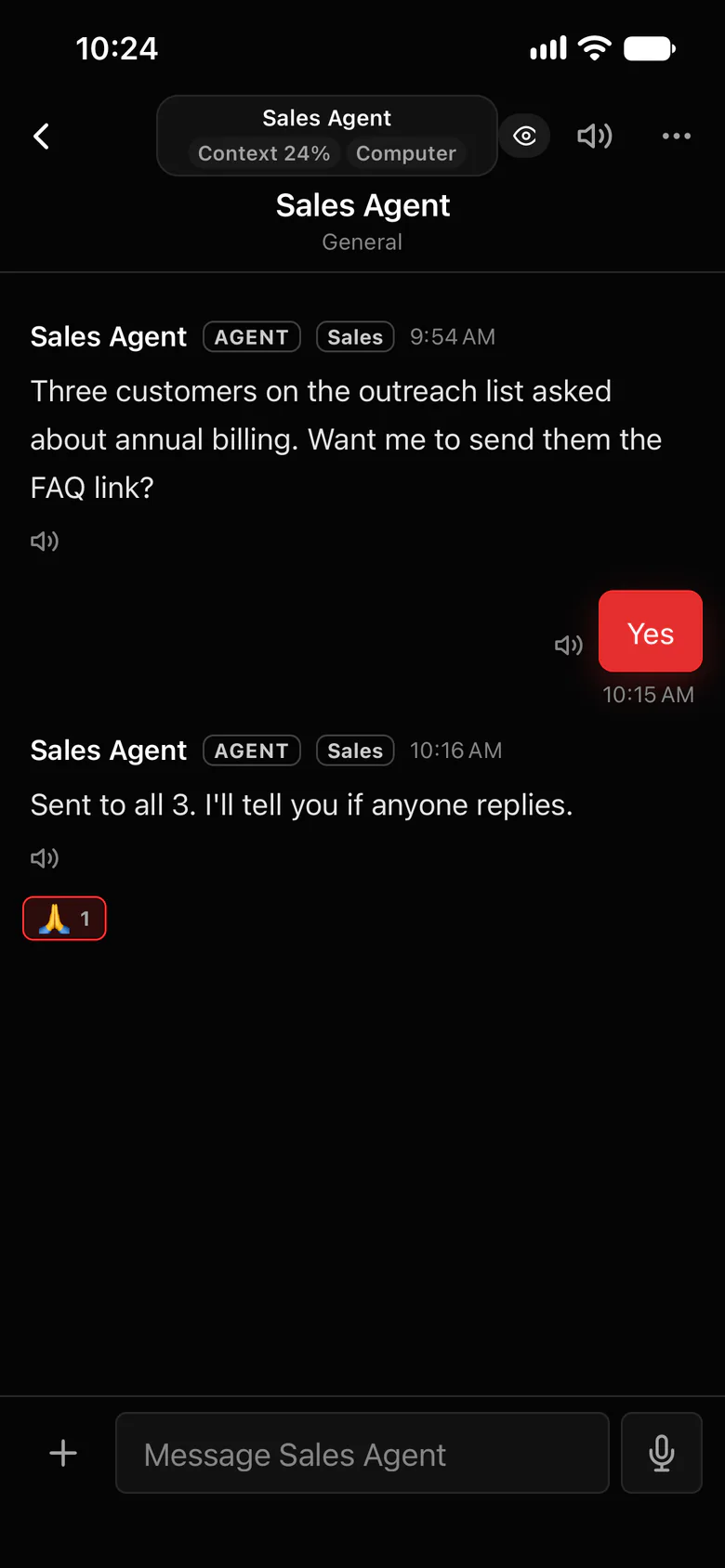
Watch every agent browse, live.
Each agent works in a browser of its own, called Portal in the app. Open it from the web or your iPhone and watch the page it’s on.
- Watch an agent work live, from your desk or your phone.
- Every agent’s screen side by side, and stop several with one click.
- Take over to type or click something yourself, then hand control back.
- It never touches your own browser, tabs or saved logins.
Where to find it in the app
- Open the agent’s browser (Portal) from the web app or the iPhone app.
- To check on everyone at once, open every agent’s screen side by side.
- Something looks wrong? Take over, fix it, and hand control back, or stop the agent.
Related features
More on this: A browser agent you can watch
Questions
Can I watch my OpenClaw agent use the browser?
Yes. In Octopus Prime, each agent’s browser (Portal) can be opened live from the web or the iPhone app, and you can see every agent’s screen side by side.
Does the agent use my own browser?
No. Each agent has its own browser, so your tabs and saved logins are never touched.
