
Keep agents on track
OpenClaw agent stuck at a login code? Step in
“The agent got to the sign-in page and stopped at the code.”
The agent was halfway through downloading last month’s invoices when the site asked for a six-digit code sent to your phone.
It can’t read your texts, so it waits. You’re across town.
Why it happens in OpenClaw
- Sites ask for a texted code, an authenticator code or an “is this you?” check at sign-in. An agent can’t answer those on its own, and shouldn’t.
- OpenClaw’s docs suggest signing in by hand in the agent’s browser profile, which means being at that machine.
How Octopus Prime solves it
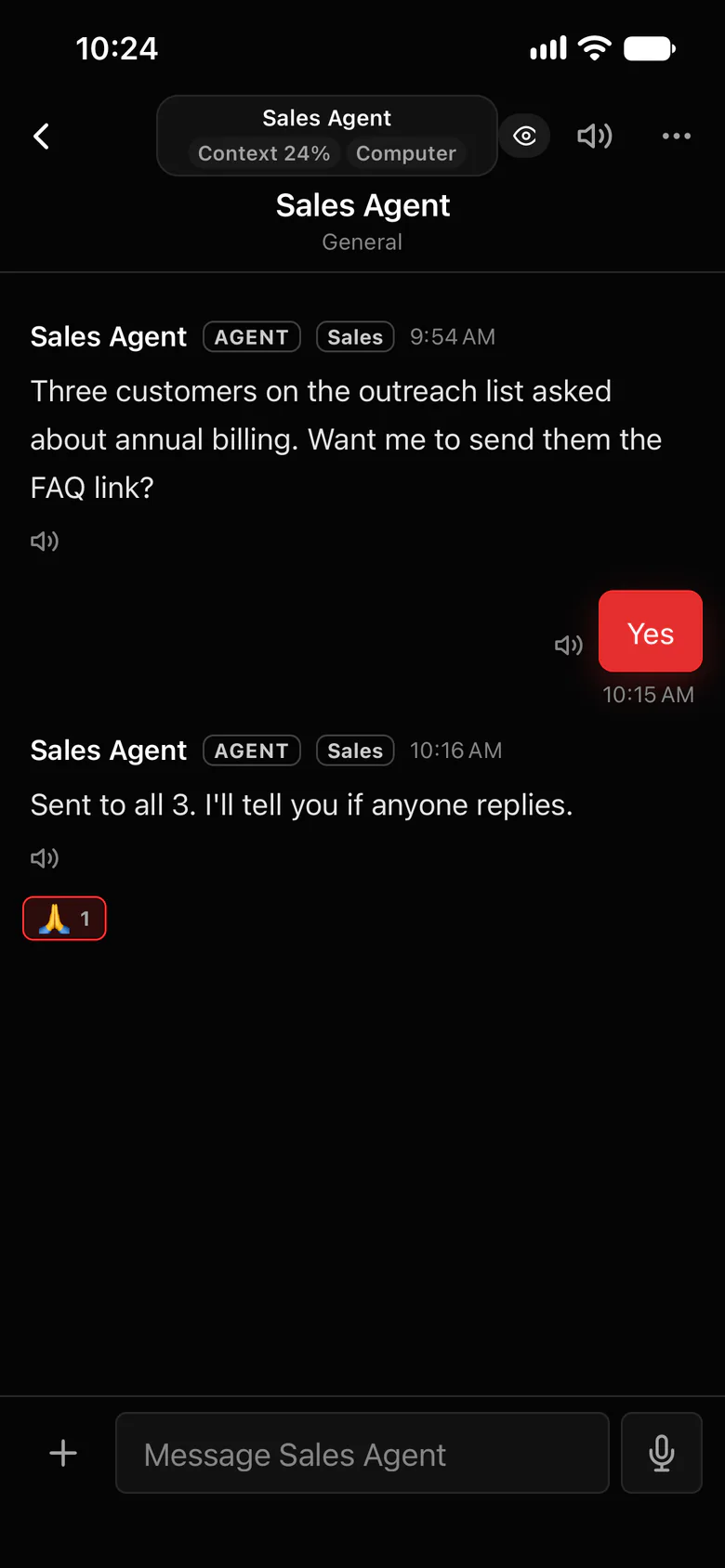
Step into its browser from anywhere.
Open the agent’s browser from the web or your iPhone, type the code yourself, and hand control back. The agent carries on from there.
- Take over from your phone: type the code, then hand control back.
- The Vault: agents use your logins without seeing your passwords. A password pasted into a chat is locked away in it.
- Ask me first: sensitive logins wait for your OK every time.
- An agent that’s waiting on you says so in #blockers and @mentions you, so you’re notified.
Where to find it in the app
- Connect the site once at Settings › Connections, signing in with your own login.
- Ask your agents to post in #blockers and @mention you when a site needs a code.
- When it does, open the agent’s browser from the app, take over, type the code and hand control back.
Related features
More on this: Let agents use your apps without your passwords
Questions
Can an OpenClaw agent get past two-factor login?
Not on its own, and it shouldn’t. In Octopus Prime you step into the agent’s browser, type the code yourself, and hand control back.
Do I need to be at the computer to type the code?
No. You can take over the agent’s browser from the web app or the iPhone app.
