
Stay in control of your agents
Keep OpenClaw agents off the websites you choose
“There are sites I never want my agent on.”
Your agents research suppliers all day. You never want one on your bank’s admin page, a competitor’s sign-up form or a site that’s cost you trouble before.
And on the sites they do use, some steps, like pressing Buy, should wait for you.
Why it happens in OpenClaw
- An OpenClaw agent with a browser can open any page it decides to visit. Limiting that is a config job on each Gateway, and it’s easy to miss one.
- A page can also lead an agent somewhere you never meant it to go.
How Octopus Prime solves it
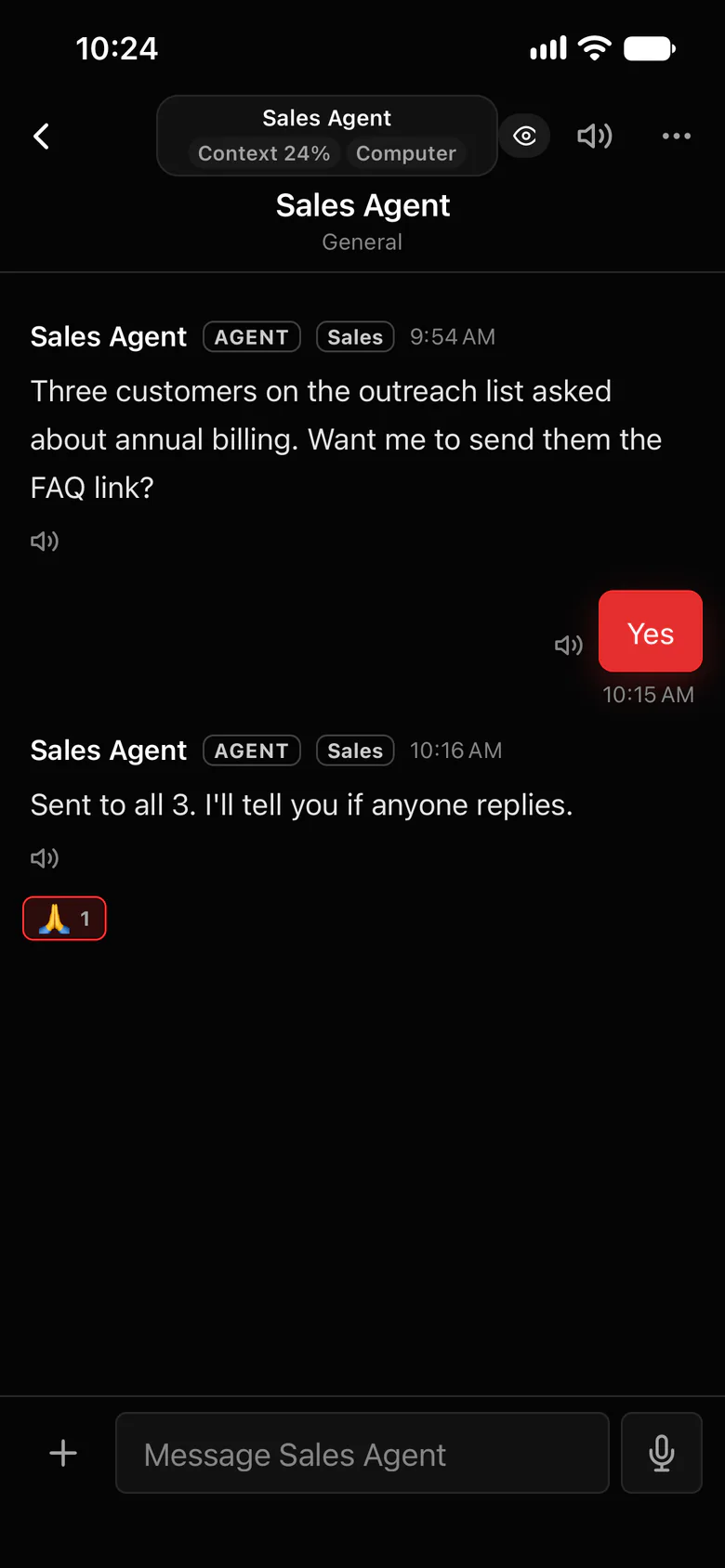
Block sites. Set rules for the rest.
Block the sites you never want an agent on, and set rules for each website it does use, with risky steps approved by a tap.
- Blocked sites: sites your agents can’t visit.
- Rules for each website, with risky steps waiting for your tap.
- Watch any agent’s browser live, and take over when you need to.
- Stop one agent or several with one click.
Where to find it in the app
- Add the sites agents must never visit to Blocked sites.
- Set rules for the websites they do use, and choose which steps need your OK.
- Approve those steps with a tap when the card appears.
Related features
More on this: A browser agent you can watch and take over
Questions
Can I block websites for my OpenClaw agent?
Yes. In Octopus Prime, add them to Blocked sites, and your agents can’t visit them.
Can it ask before doing something risky on a site?
Yes. Set rules for each website and approve risky steps with a tap.
