
Stay in control of your agents
Limit which folders an OpenClaw agent can open
“My agent can open every file on this Mac.”
The bookkeeping agent needs the Invoices folder. It doesn’t need your tax returns, your photos or the HR folder on the same computer.
You’d like it to be impossible, not just unlikely.
Why it happens in OpenClaw
- Unless you set up OpenClaw’s sandbox, an agent’s tools can reach whatever the account running the Gateway can reach.
- Sandbox and tool settings are powerful, but they live in config files, for each agent, on each machine.
How Octopus Prime solves it
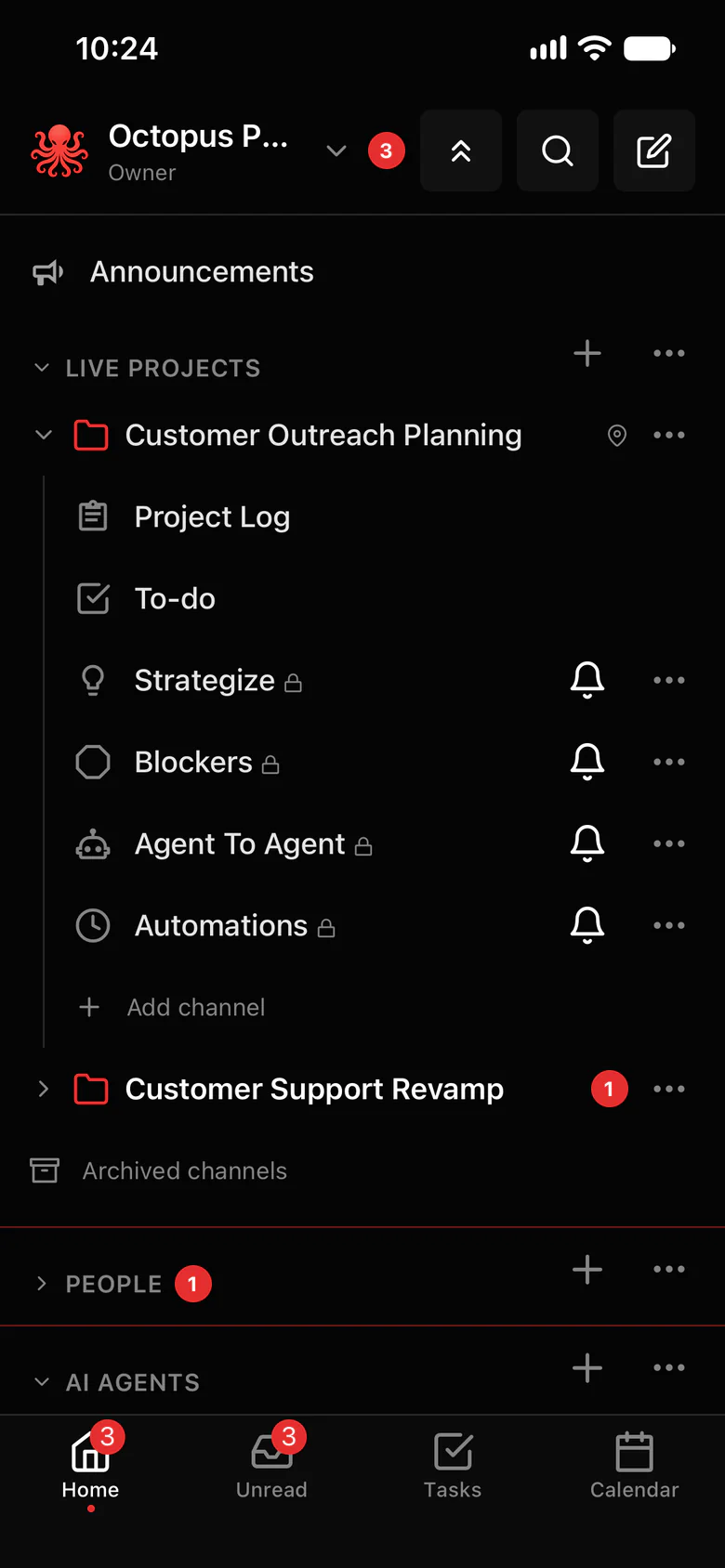
Each agent opens only the folders you choose.
Choose which folders each agent can open on its computer. Everything else is out of reach for that agent.
- Folder limits per agent, on the computer it runs on.
- Who can use each agent: whoever can use an agent can use what it reaches, so share it only with people who should.
- Ask me first: sensitive logins wait for your OK every time.
- Blocked sites keep agents off the websites you choose.
- Its OpenClaw tool settings still apply on top.
Where to find it in the app
- Choose the folders each agent can open on its computer.
- Share the agent only with the people who should reach those folders, in Settings › AI agents › Who can use each agent.
- Keep files the whole team needs in the project’s folder instead of on one computer.
Related features
More on this: AI agent access control
Questions
Can I restrict an OpenClaw agent to one folder?
Yes. In Octopus Prime, choose which folders each agent can open on its computer.
Does this replace OpenClaw’s sandbox?
No, it works alongside it. The agent’s OpenClaw tool settings still apply.
