
Stay in control of your agents
How to stop a runaway OpenClaw agent
“My agent is stuck in a loop and I can’t stop it from here.”
The agent was supposed to tidy fifty files. It’s now on its four hundredth step, opening the same page again and again.
You’re on your phone, and the machine it runs on is in another building.
Why it happens in OpenClaw
- OpenClaw’s /stop aborts the run in the chat session where you type it. Work in another session, a scheduled job or a background process keeps going.
- Stopping everything means stopping each Gateway, usually from a terminal on each machine, and half-done work can be lost.
How Octopus Prime solves it
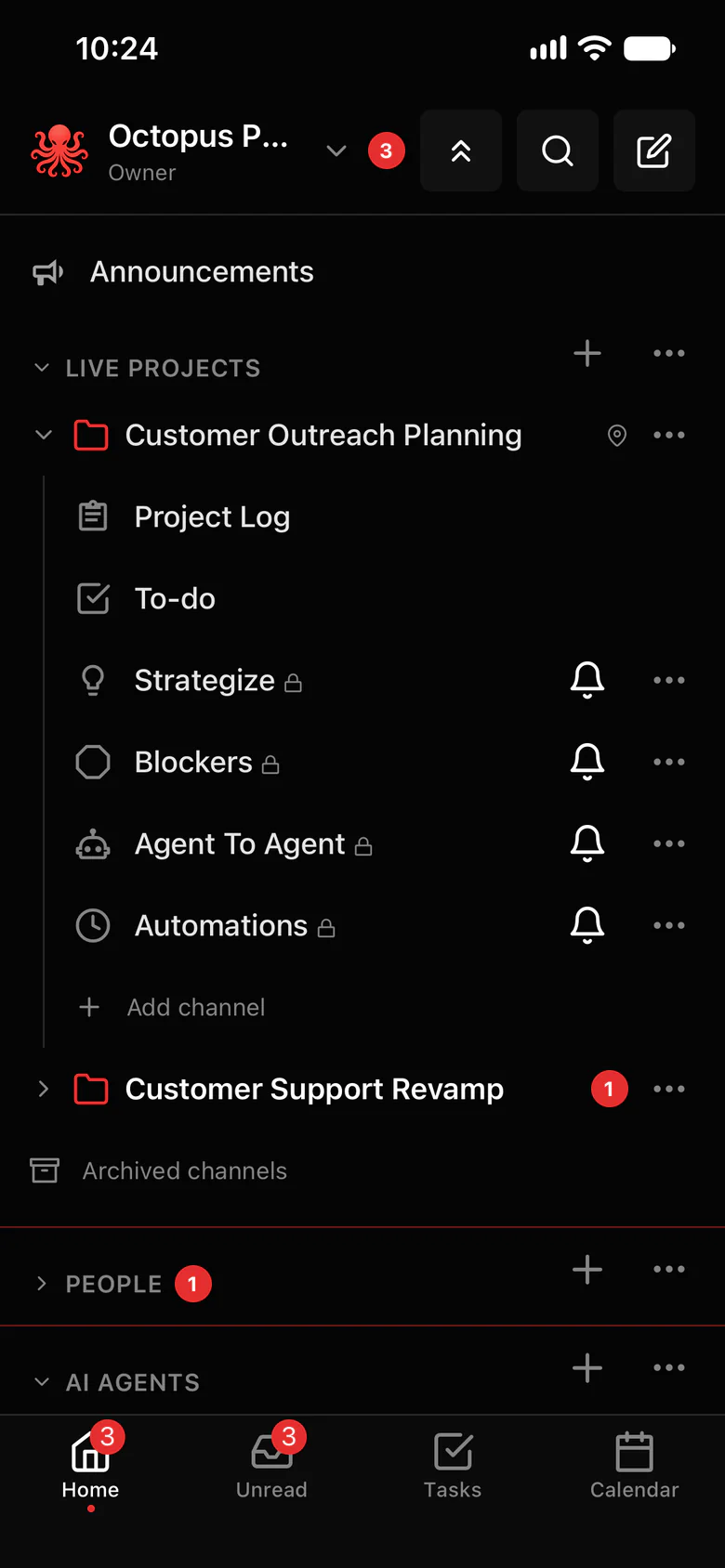
Stop one agent or all of them, and keep the work.
Force stop asks each agent to save what it was doing, then stops it. Pick one agent, a group, or every computer at once.
- One agent, a group, or every agent on every computer.
- Each agent saves its work first, so nothing it finished is lost.
- Works from the web app and the iPhone app.
- See every agent’s browser side by side, and stop several with one click.
- Start them again when you’re ready; they pick up where they left off.
Where to find it in the app
- Use Force stop in the app, on the web or your iPhone.
- Pick the scope: one agent, a group, or every computer.
- Each agent saves its work, then stops.
- When you’re ready, start them again.
Related features
More on this: AI agent kill switch
Questions
How do I stop an OpenClaw agent that won’t stop?
In Octopus Prime, use Force stop on that agent. It saves its work, then stops. You can also stop a group or every agent at once.
Can I stop all my agents at once?
Yes. Force stop works on one agent, a group, or every agent on every computer, from the web or your phone.
Will I lose the work it already did?
No. Each agent is asked to save what it was doing before it stops.
