
Set a spending limit for each OpenClaw agent
“One agent ran all night and ran up my AI bill.”
The research agent hit a page it couldn’t read and kept trying, all night. The bill from your AI provider arrived before you noticed.
You don’t want to cap every agent the same way. The marketing agent needs more room than the one that files receipts.
Why it happens in OpenClaw
- OpenClaw runs on your own AI provider account. Every step an agent takes is billed there, and nothing pauses a single agent when it spends too much.
- OpenClaw can show usage and cost per session, and providers offer account-wide caps, but a budget for each agent is up to you.
How Octopus Prime solves it
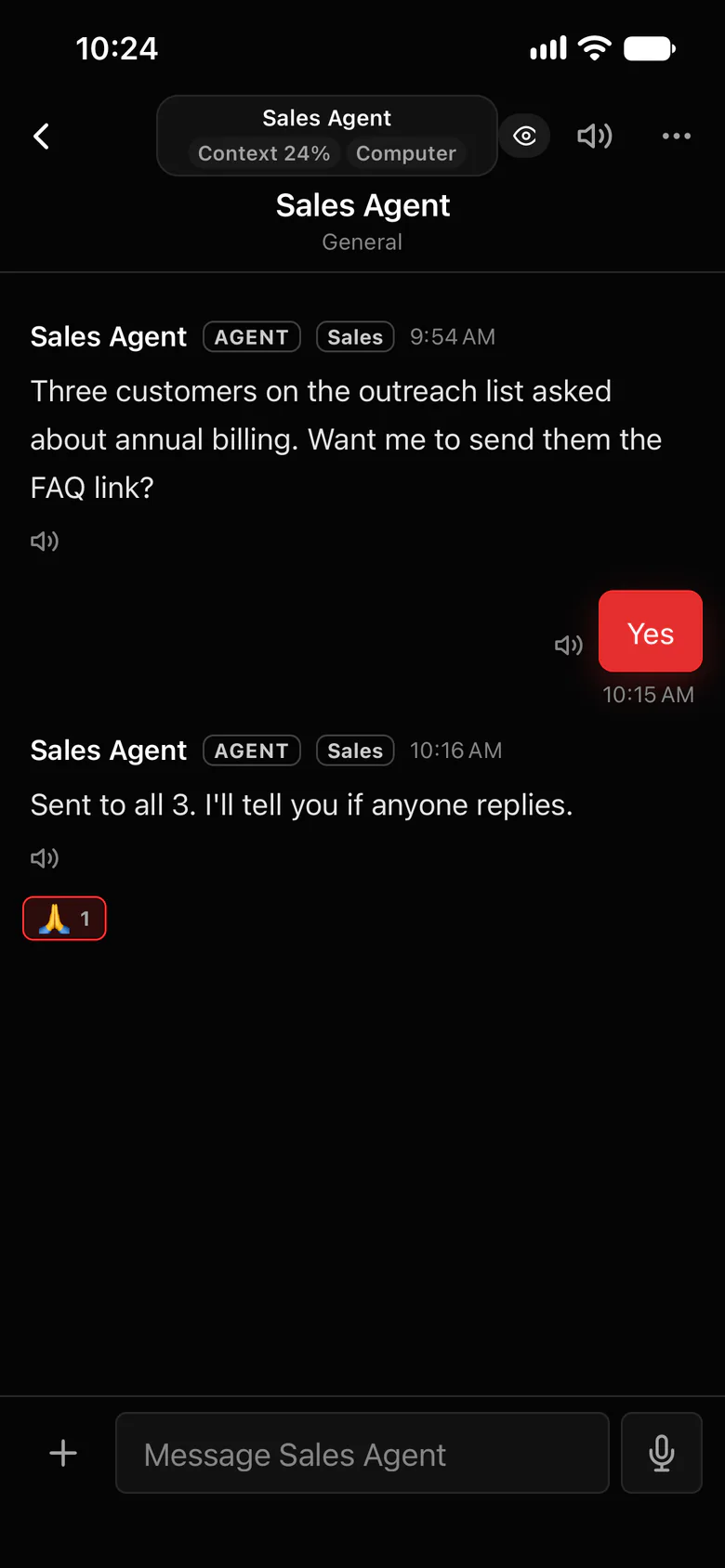
Every agent gets its own budget.
The agent’s owner and the organization’s Owners and Admins see each agent’s usage and estimated cost, and set a daily or monthly limit for it.
- A daily or monthly spending limit for each agent, each with its own amount.
- At the limit, the agent stops spending until the next period or until you raise it.
- Each agent’s usage and estimated cost, in one place.
- Private AI chat keeps quick questions off your agents.
- Force stop is there when something needs to end now.
Where to find it in the app
- Open the agent’s usage and estimated cost (the agent’s owner and Owners and Admins can see it).
- Set a daily or monthly limit for that agent.
- Repeat for each agent, with more room for the ones that do heavy work.
Related features
More on this: Keep AI agent costs under control · Plans and prices
Questions
Can I set a budget for each OpenClaw agent?
Yes. In Octopus Prime, each agent can have its own daily or monthly spending limit.
What happens when an agent hits its limit?
It stops spending until the next period or until you raise the limit.
Who pays for the AI usage?
You do, directly to your own AI provider. The limit keeps any one agent from running up that bill.
