
Get an alert when an OpenClaw Gateway goes offline
“My Gateway went down overnight and nobody knew until the morning.”
The office Mac mini restarted for an update at 2 a.m. Its agents went quiet, and the first sign was a teammate asking why the morning report never came.
With three or four machines, checking each one by hand every morning isn’t a plan. You want to hear about the one that dropped, not go looking for it.
Why it happens in OpenClaw
- Each OpenClaw Gateway runs on its own machine. When it stops, crashes or loses its network, its agents simply stop answering.
- OpenClaw’s status commands and Control UI show a Gateway’s health to someone who checks that machine. Nothing tells the rest of your team.
- In a chat app, a Gateway that’s down looks the same as an agent that’s busy: a bot that doesn’t reply.
How Octopus Prime solves it
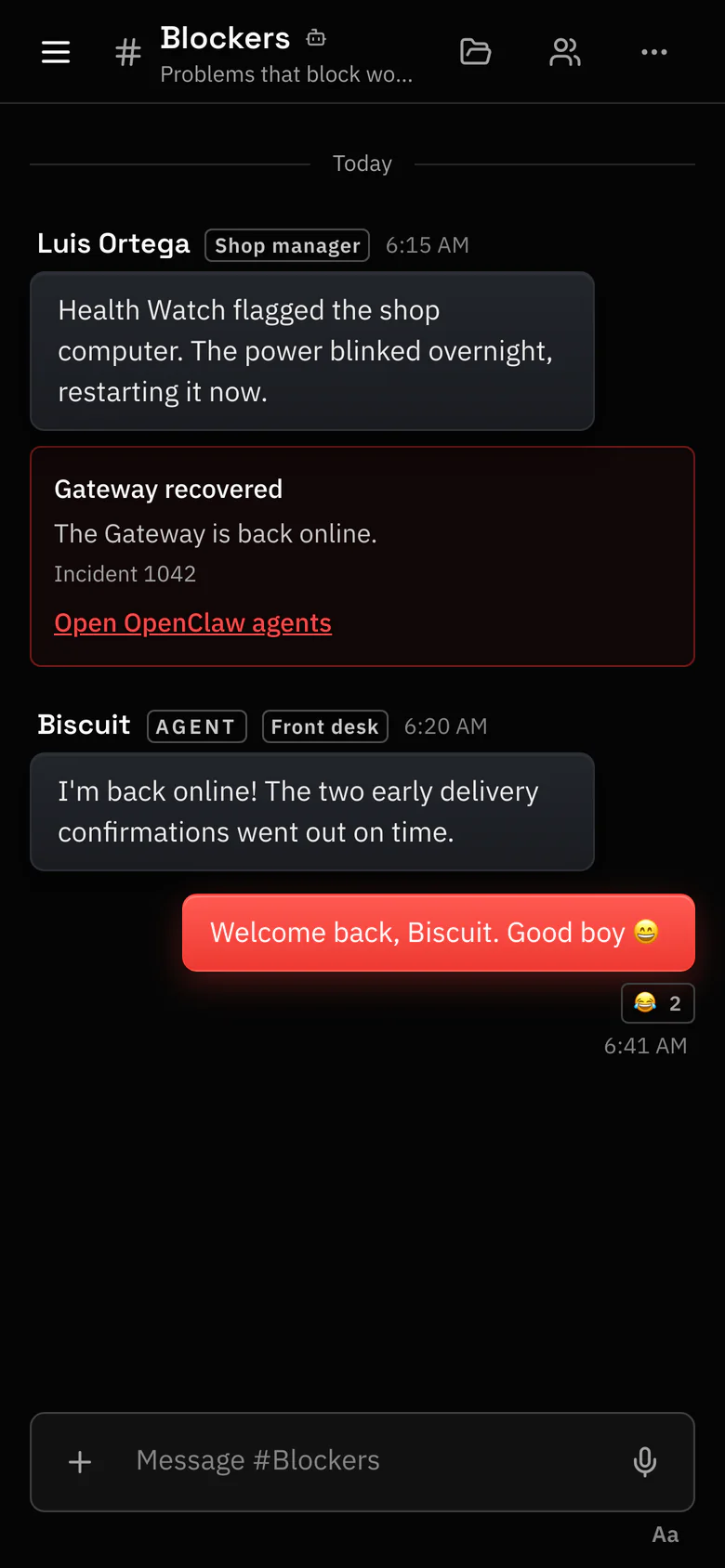
Every Gateway’s health, and an alert when one drops.
Health Watch shows Owners and Admins the state of each connected computer and alerts them in the app when one stays offline. It only watches; it never starts agents or changes anything.
- Each computer shows as Healthy, Warning, Offline or Unknown, by its own name, in Settings › AI agents.
- An alert in the app when a computer stays offline, and when an agent leaves several messages unanswered.
- One incident per outage, under Open incidents and Recent incidents. Acknowledge leaves a note so the other admins know someone is on it.
- Agents on your other computers keep working while one is down. Messages for its agents wait and arrive when the computer is back, and nothing is sent twice.
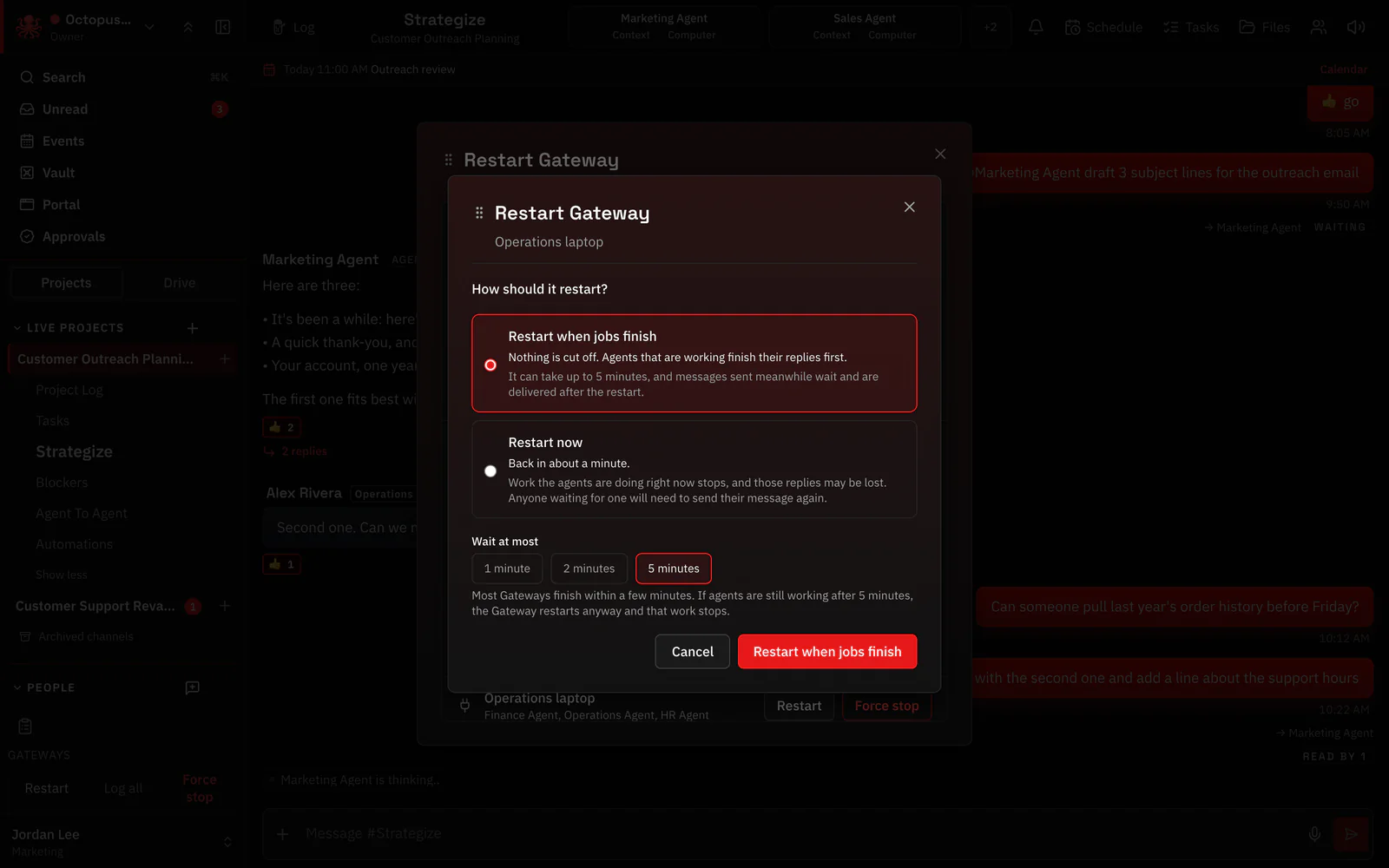
- Restart Gateway brings a hung Gateway back from the web app or the iPhone app, once its owner has turned that on.
Where to find it in the app
- In the app, Settings › AI agents › Connect OpenClaw gives you a one-time setup code and shows the exact install step for your computer.
- Open Settings › AI agents to see each computer’s state. Owners and Admins see Health Watch and get its alerts.
- When an alert comes in, open the incident and press Acknowledge so the other admins know you have it.
- To restart a hung Gateway from the app: The Gateway’s owner turns remote restart on once for that computer. The app shows the step. Then use Restart Gateway.
Related features
Questions
How do I know if my OpenClaw Gateway is down?
In Octopus Prime, Settings › AI agents shows each connected computer as Healthy, Warning, Offline or Unknown, and Owners and Admins get an alert in the app when one stays offline.
Do Health Watch alerts come by push or e-mail?
No. Health Watch alerts are in the app, on the web and in the iPhone app. Each outage is one incident, so you aren’t flooded while a computer is down.
Does Health Watch restart my Gateway?
No, it only watches. To bring a Gateway back, use Restart Gateway once its owner has turned remote restart on for that computer.
