
Run OpenClaw commands and updates from your phone
“Every OpenClaw update means getting to each machine.”
A new OpenClaw release is out. You have four machines. That’s four logins, four updates and four checks that each Gateway came back with its agents.
And when you’re away from the desk, even a quick /status means finding a terminal.
Why it happens in OpenClaw
- OpenClaw’s owner-only commands, such as /restart and /update, work only from a chat OpenClaw trusts as the owner, and each Gateway is set up separately.
- Updating several machines usually means signing in to each one and checking each came back.
How Octopus Prime solves it
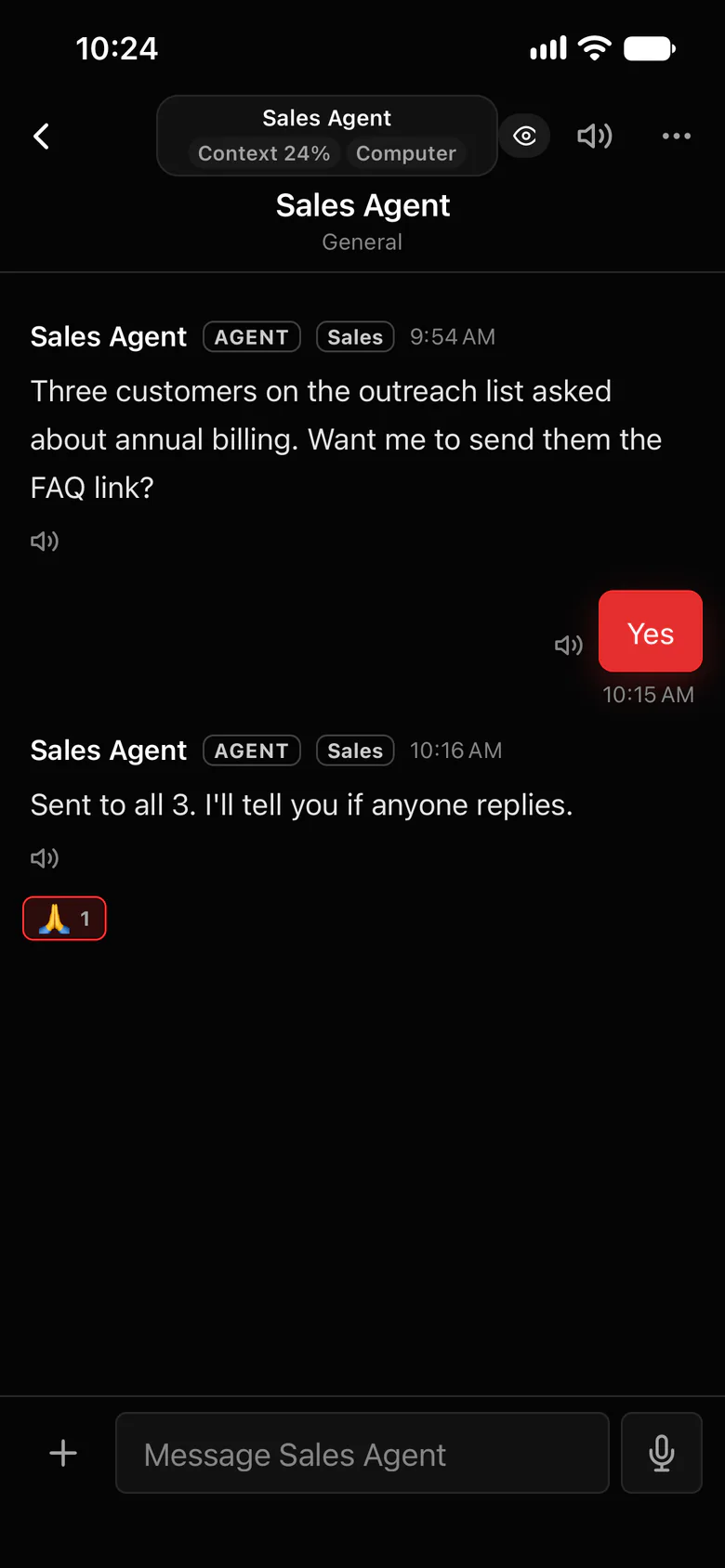
OpenClaw commands from any chat with your agent.
Type OpenClaw slash commands in an agent’s conversation in Octopus Prime, on the web or your iPhone. OpenClaw’s own command settings still decide what runs.
- The agent’s owner, whoever connected its Gateway, can run every command.
- Organization Owners and Admins can run every command except the owner-only ones that reach the computer, such as /restart, /update, /config and /exec.
- Settings › Plugin shows each computer as Up to date, Update available or Too old to work, with What’s new.
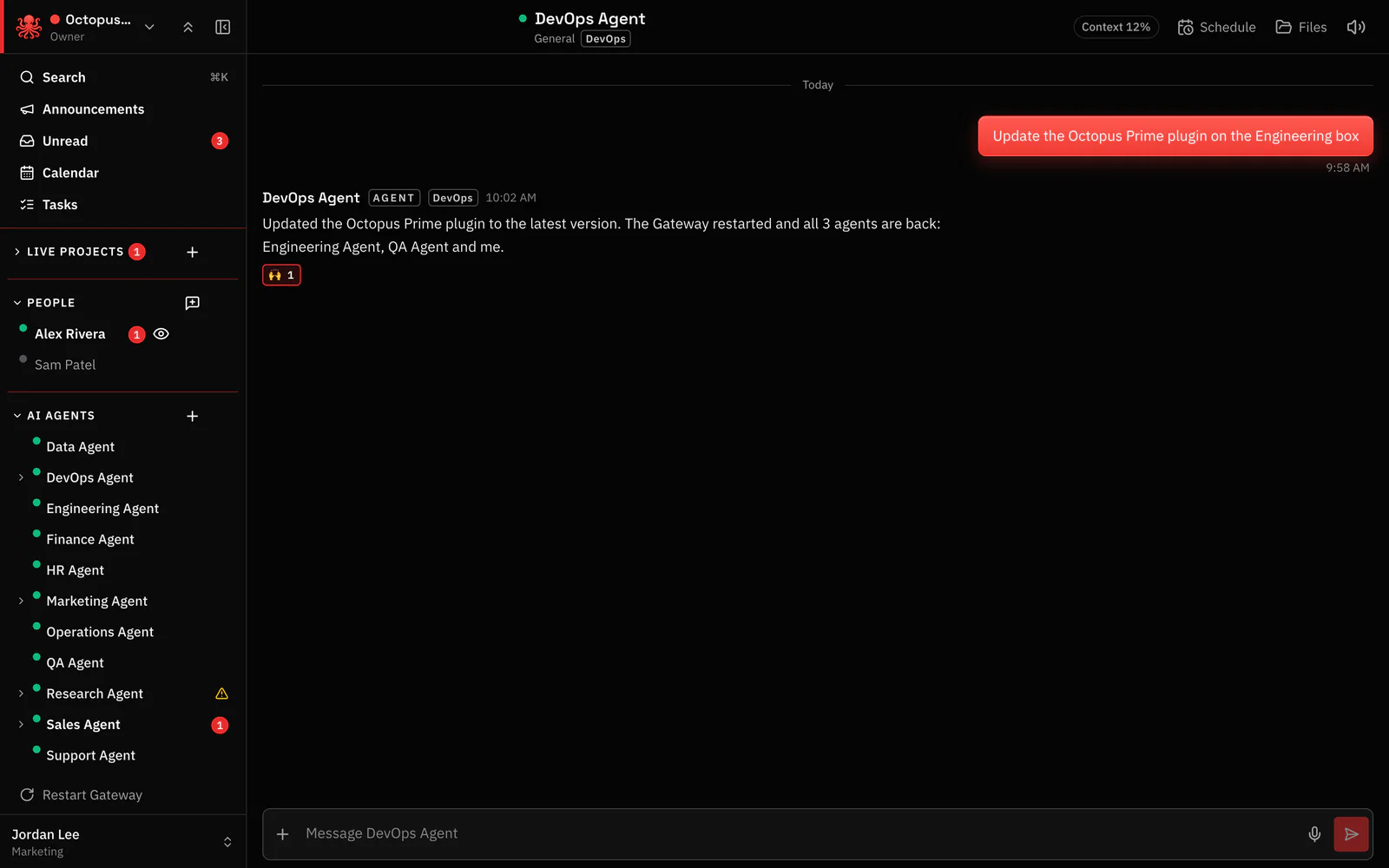
- Ask my agent to update posts a ready prompt to that computer’s agent, which updates, restarts and reports back. The app confirms when it’s done.
- Restart Gateway restarts a hung Gateway from the app, once its owner has turned that on.
Where to find it in the app
- Open a conversation with the agent, on the web or in the iPhone app, and type the OpenClaw command.
- For updates, open Settings › Plugin to see which computers need one.
- Press Ask my agent to update for that computer. Its agent updates, restarts and reports back in the chat.
- For a hung Gateway: The Gateway’s owner turns remote restart on once for that computer. The app shows the step. Then use Restart Gateway.
Related features
Questions
Can I run OpenClaw slash commands from my phone?
Yes. Type them in an agent’s conversation in the Octopus Prime iPhone app. The agent’s owner can run every command; Owners and Admins every command except the owner-only ones.
Who can run /update or /restart?
Only the agent’s owner, the person who connected its Gateway, and only when OpenClaw’s own settings allow the command.
How do I update the Octopus Prime plugin on every computer?
Settings › Plugin lists each computer and whether it needs an update. Ask my agent to update has that computer’s agent do it and report back.
