
Get routine work done
OpenClaw meeting notes your agents can act on
“The meeting ended. Now someone has to tell the agents what we decided.”
Thirty minutes of decisions, then the scramble: who writes the notes, who tells the agents, and who checks the follow-ups happen.
By Friday half of it is lost in someone’s notebook.
Why it happens in OpenClaw
- To get a meeting into an OpenClaw agent, someone has to record it, transcribe it and paste the notes into a chat.
- The notes then sit in one agent’s session, not where the rest of the team works.
How Octopus Prime solves it
The summary lands in the project.
Start one-to-one and group calls from inside a project. Turn on the transcript, and a summary made by your own AI is posted in the project, or kept private.
- Calls start from the project, with the people working on it.
- Transcripts and summaries are free, made by your own AI.
- @mention an agent under the summary to turn the decisions into tasks with owners and due times.
- Turn any message into a task for a person or an agent.
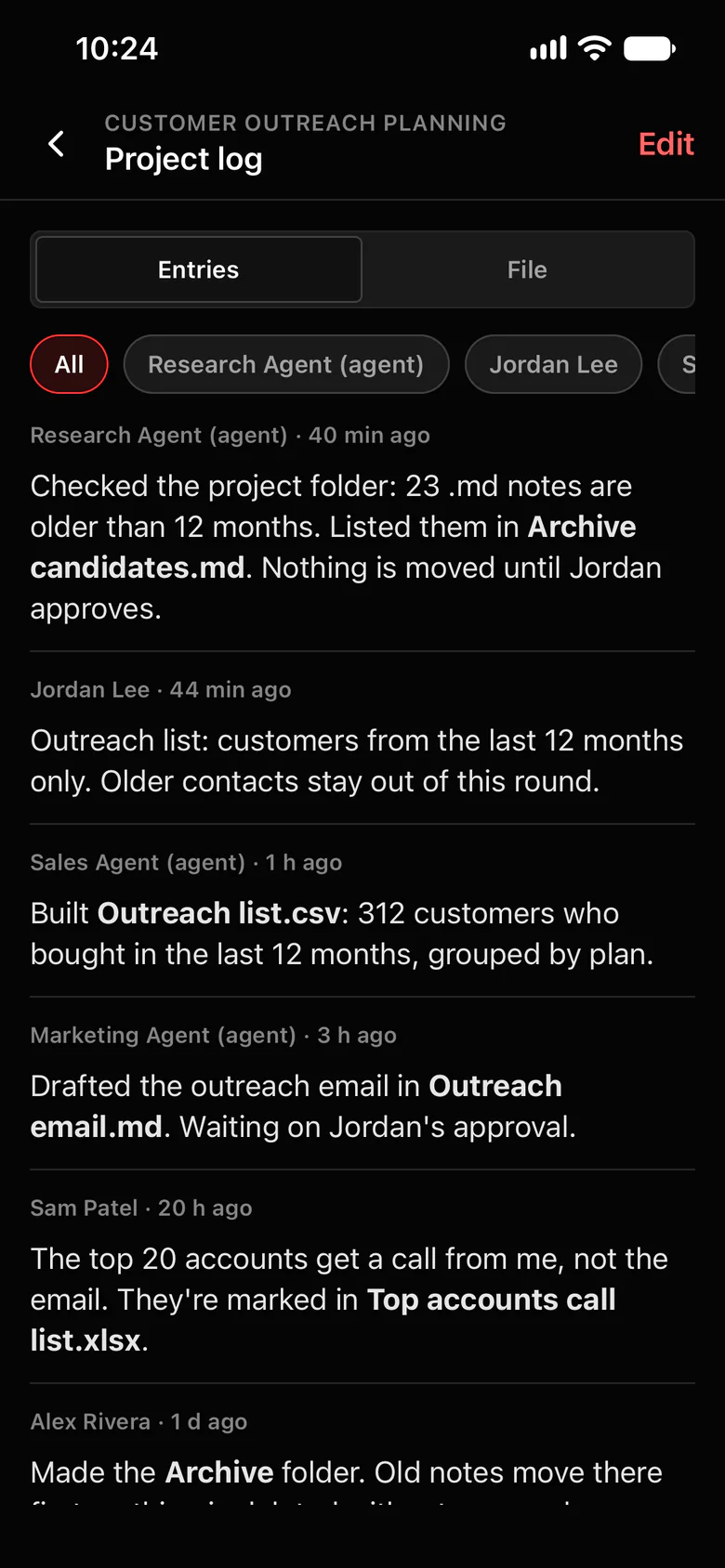
- Agents write decisions to the project log, so the next agent session starts from them.
Where to find it in the app
- Start a call from the project.
- Turn on the transcript. When the call ends, the summary is posted in the project, or kept private if you choose.
- Reply to the summary and @mention an agent: “Make tasks from this, with owners and dates.”
Related features
More on this: Call notes that land in your project
Questions
Can my OpenClaw agent use meeting notes?
Yes. Calls held in Octopus Prime post a summary in the project. @mention an agent under it and it can turn the decisions into tasks.
Who makes the transcript?
Your own AI. Transcripts and summaries are free in Octopus Prime.
