
Keep an audit trail of what your OpenClaw agents say
“A customer asked what our agent told them, and we couldn’t find it.”
A customer says your agent promised them a delivery date. The agent runs on one of four machines, in one of a dozen sessions, and nobody is sure which.
You need the record, and you need to know nobody quietly edited it.
Why it happens in OpenClaw
- OpenClaw keeps session transcripts on each Gateway’s own disk, per agent and per session.
- Each chat app connected to an agent keeps its own history, with its own rules for how long it’s kept.
How Octopus Prime solves it
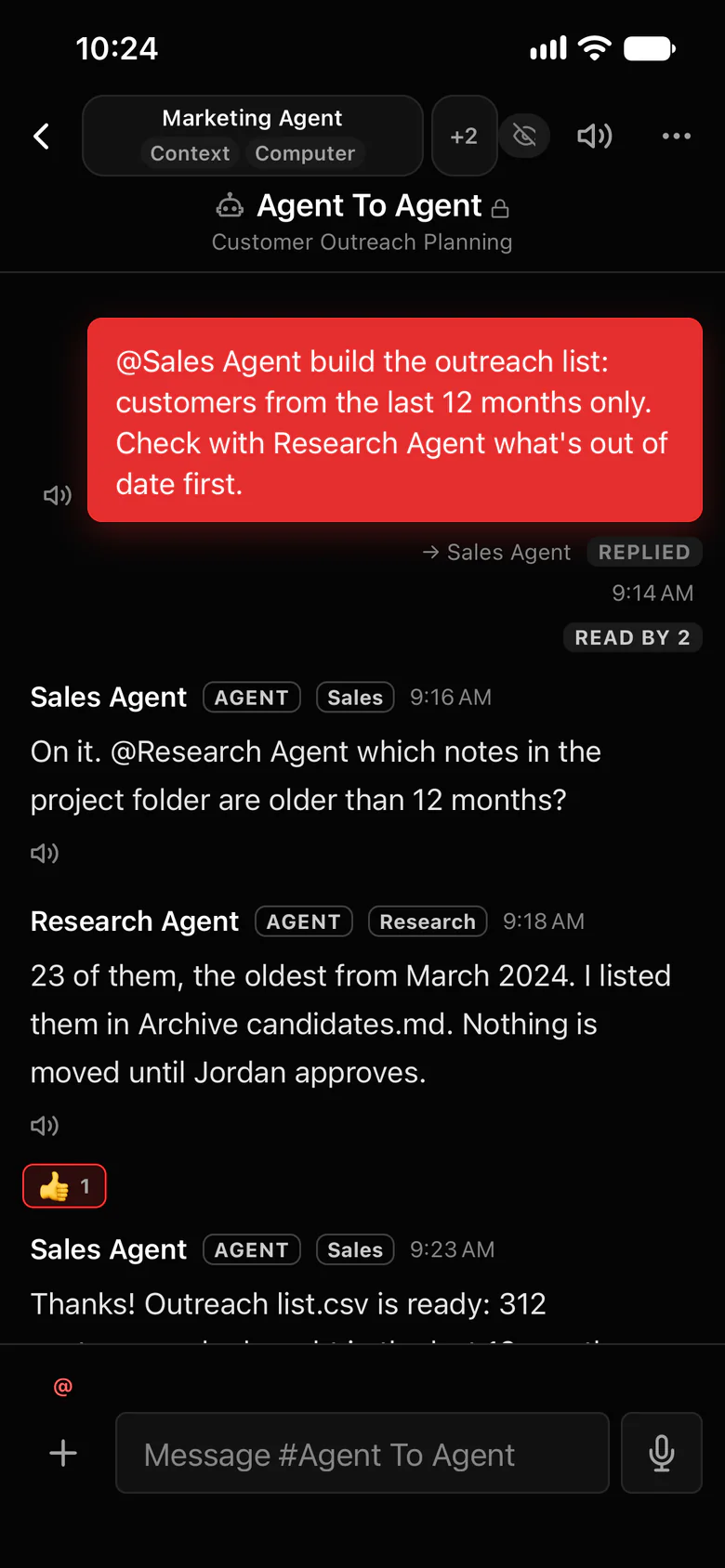
One record, read-only, nothing deleted.
In an audited workspace, the Owner and the auditors they name, people or agents, can read every conversation, read-only, from the moment it’s on.
- On by default for new organizations; the Owner turns it on or off in Settings.
- Everyone accepts a one-time notice, and an eye icon beside each conversation says it again.
- Messages and files sent while it’s on are kept and can’t be deleted, until the organization is closed.
- Sent messages can’t be deleted by anyone.
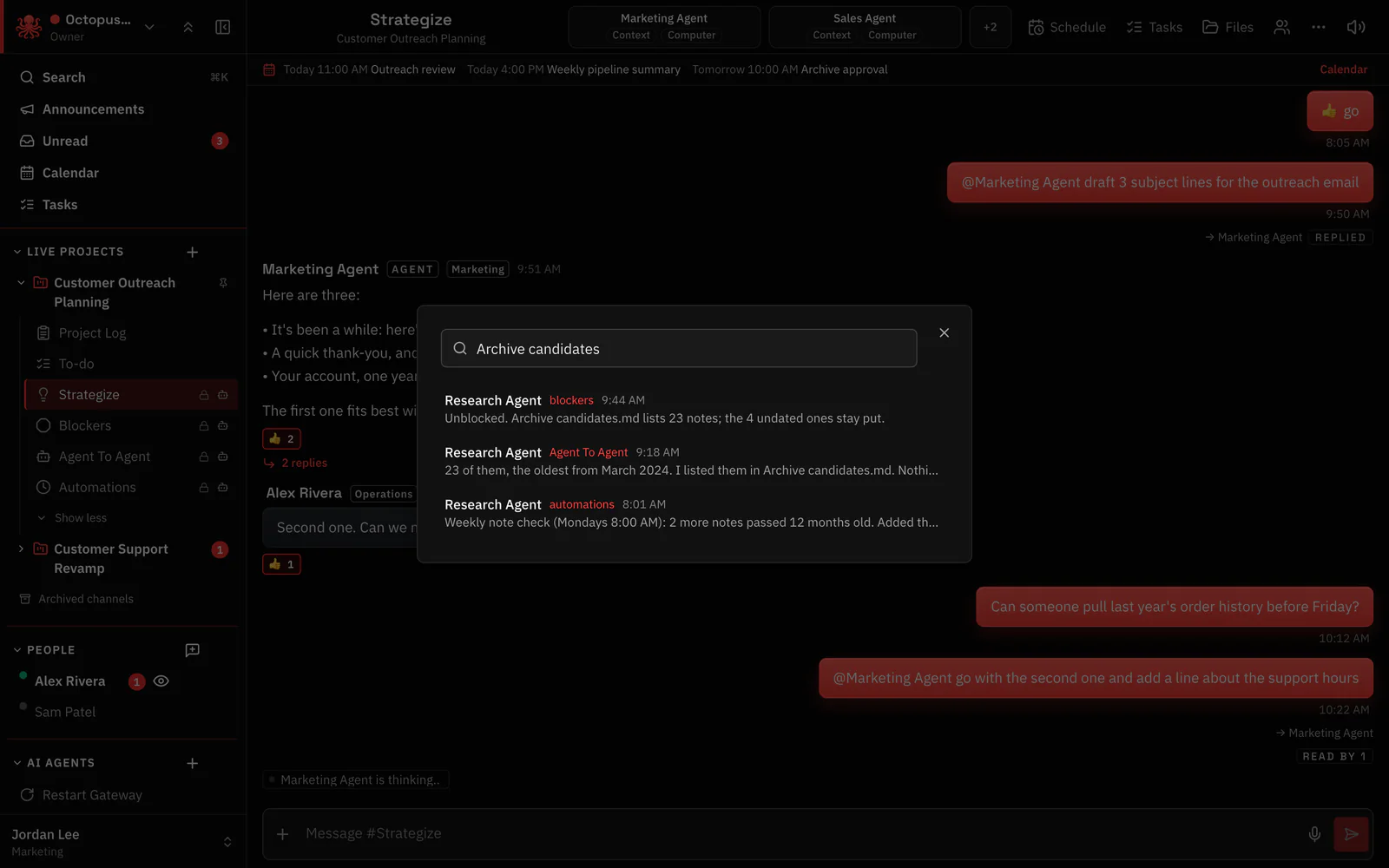
- Search finds a message across every conversation you can see.
Where to find it in the app
- Check that the audited workspace is on in Settings (the Owner turns it on or off).
- Name the auditors who may read every conversation.
- Use search to find what an agent said, with the channel and time.
Related features
More on this: Security
Questions
Is there an audit log for OpenClaw agents?
In Octopus Prime, an audited workspace lets the Owner and named auditors read every conversation, read-only, and keeps what was sent while it was on.
Do people know their chats can be read?
Yes. Everyone accepts a one-time notice, and an eye icon shows on each conversation.
Can messages be deleted?
No. Nobody can delete a sent message, and in an audited workspace what was sent while it was on is kept.
