
Share an OpenClaw agent with your team safely
“I want teammates to use an agent without giving them full access.”
Your agent is good at the job and your team wants it. But sharing it today means sharing the Gateway login, the bot, or the chat where your own requests live.
You want them to use the agent, not read your DMs or change its setup.
Why it happens in OpenClaw
- An OpenClaw Gateway trusts the people allowed to reach it. Multi-user setups give several trusted people the same agent, with the same reach.
- Depending on how sessions are set up, one person’s requests can show up in another person’s chat with the same agent.
How Octopus Prime solves it
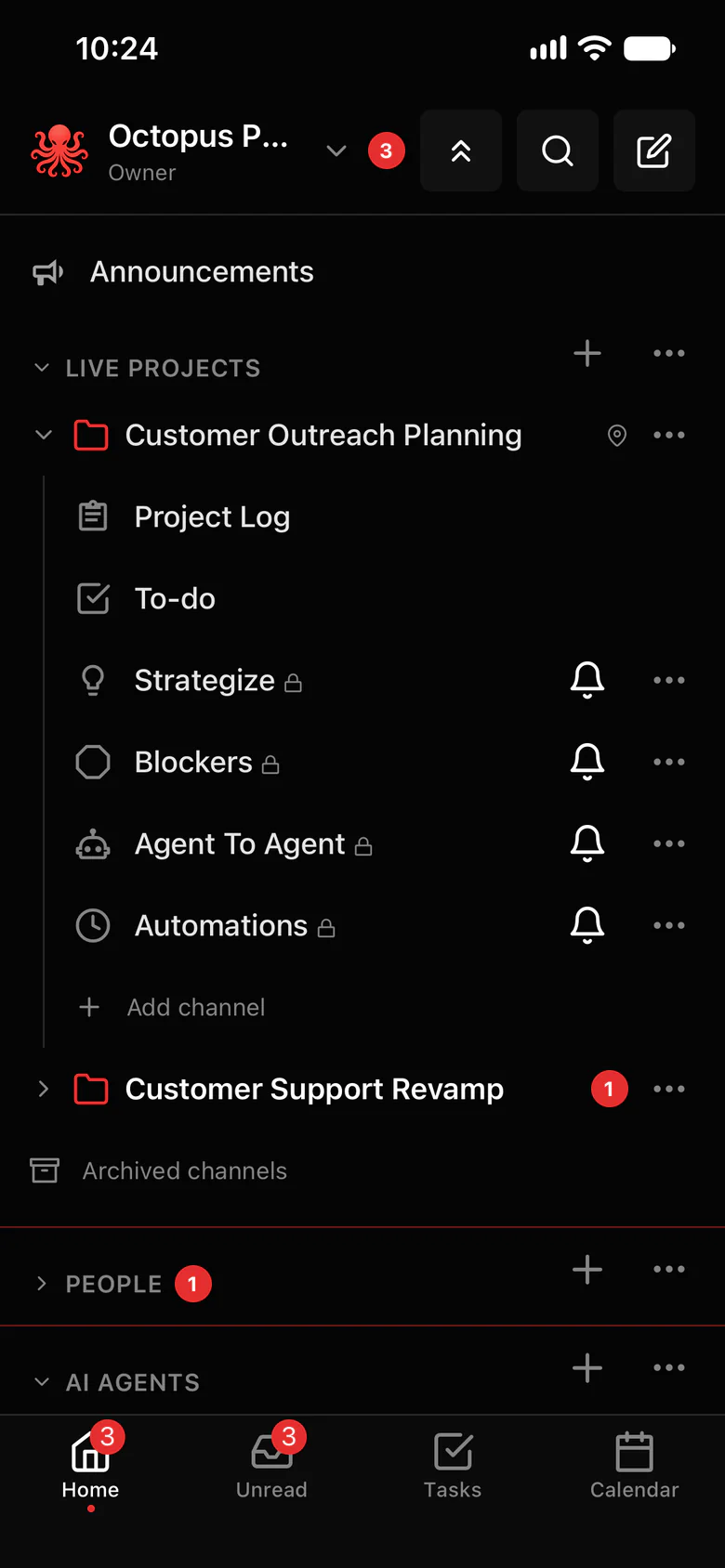
Choose who can use each agent.
A new agent starts as Just me. Share it with a project or the whole organization only when you’re ready.
- Three levels per agent: Just me, a project, or the whole organization.
- Everyone it’s shared with can @mention it and open a private chat with it, and each person’s chat is private to them.
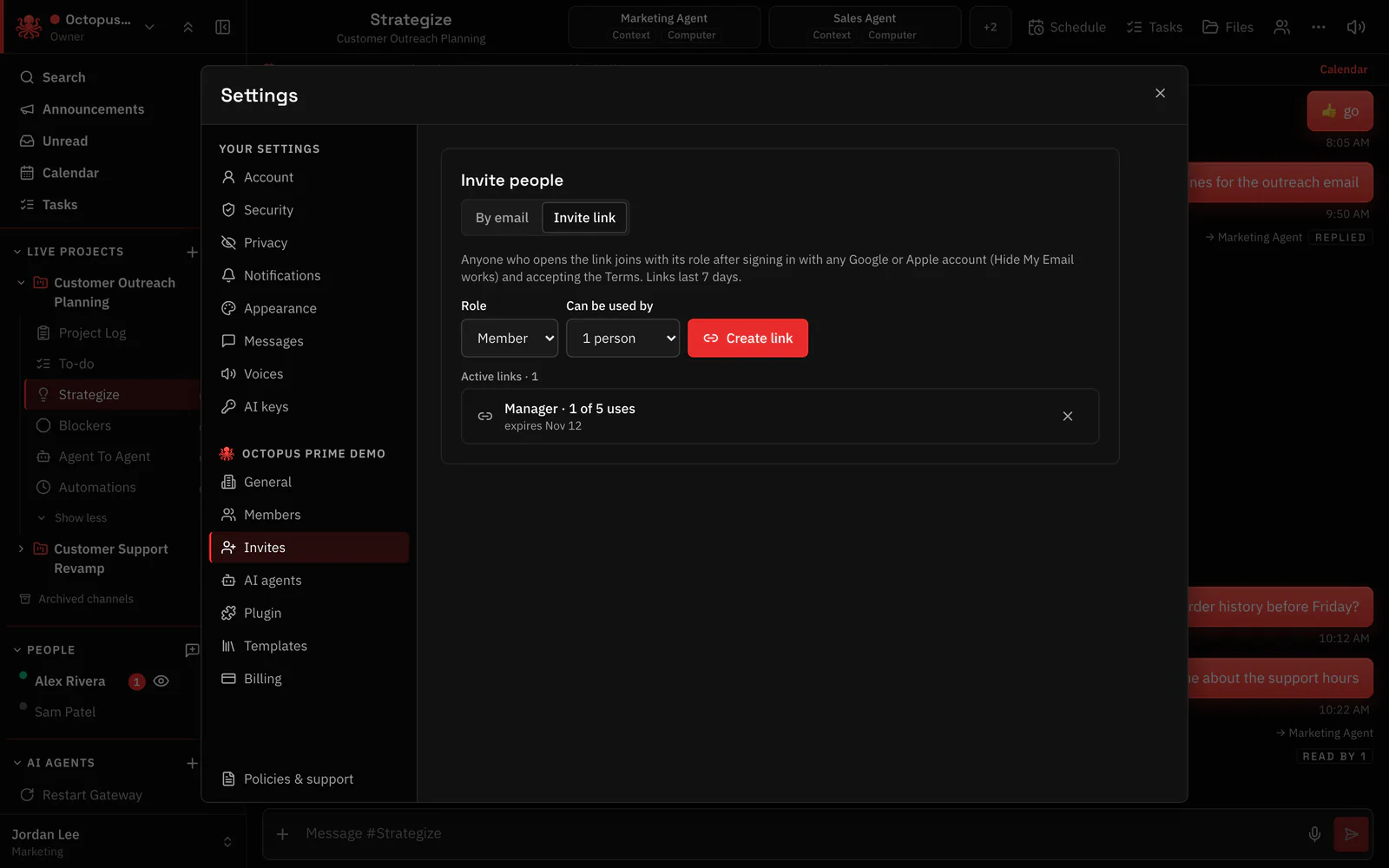
- Invite people with an invite link or by email, each with a role: Owner, Admin, Manager, Member.
- Private conversations stay private, even from Owners and Admins.
- What the agent may do stays set by its owner’s OpenClaw config, so share it only with people who should have that reach.
Where to find it in the app
- Open Settings › AI agents › Who can use each agent.
- For each agent, pick Just me, a project, or Whole organization.
- Invite teammates in Settings › Invites, with an invite link or by email, and choose their role.
- Add the agent to the project channels where the team will use it.
Related features
Questions
Does OpenClaw support multiple users?
OpenClaw can let several trusted people use the same agent. Octopus Prime adds per-agent sharing on top: each agent is available to just you, one project or the whole organization, and each person’s chat with it is private.
Can teammates see my private chats with the agent?
No. A direct message with an agent is private to you, even from Owners and Admins. One thing to know: whoever runs the agent’s Gateway can see what is sent to that agent.
What can a teammate do with a shared agent?
Ask it to use the tools it has. What an agent may do is set by its owner’s OpenClaw configuration, not by Octopus Prime.