
Keep each client’s OpenClaw agents separate
“I run agents for several clients or departments and need them kept apart.”
You set up agents for clients: one on a client’s Mac mini, another on your own server for a different client. Each lives in its own chat, with its own logins.
You need each client’s agents, files and people kept apart, without ten accounts to switch between.
Why it happens in OpenClaw
- One Gateway can run many agents, but keeping clients apart usually means separate Gateways, profiles and channels, and a separate place to check each one.
- Nothing ties those setups together for you, so the separation lives in your notes.
How Octopus Prime solves it
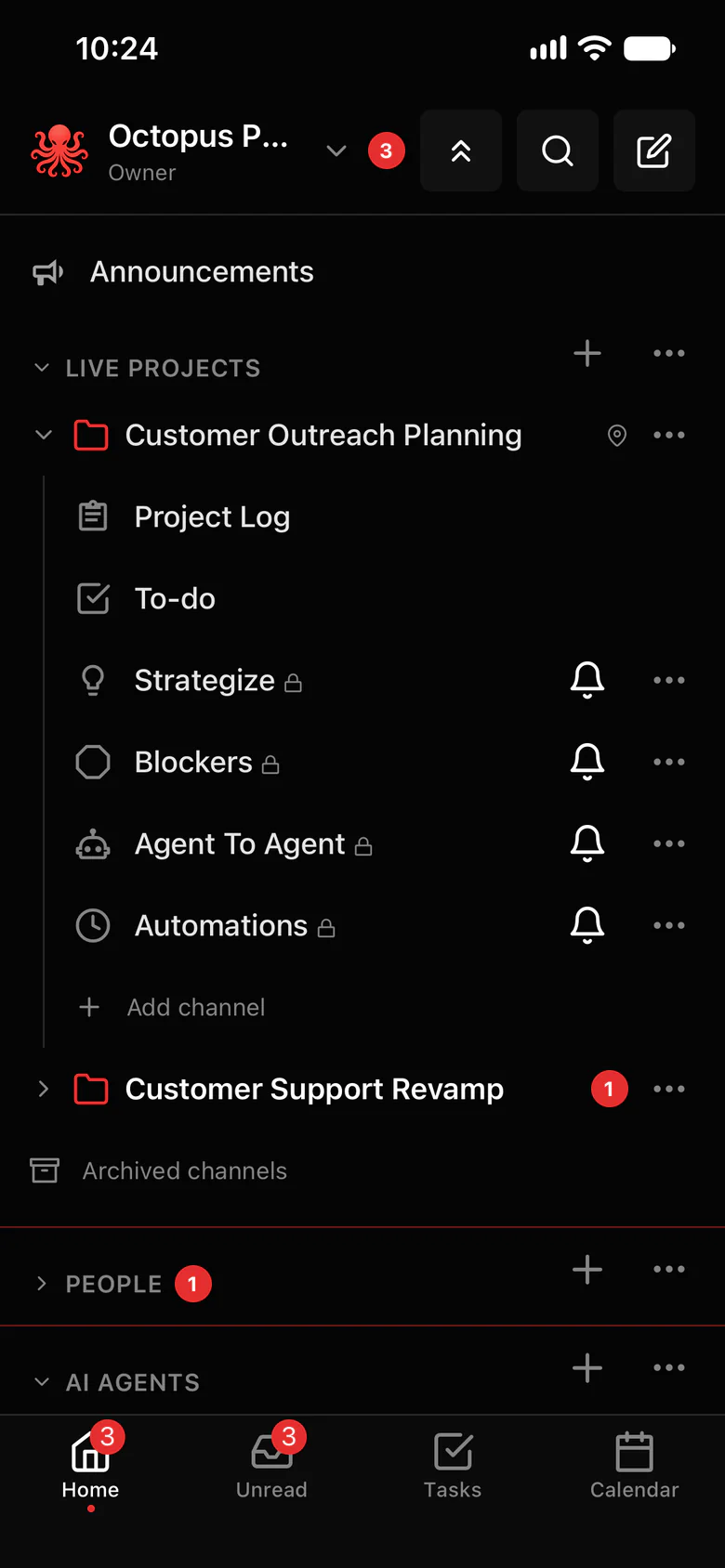
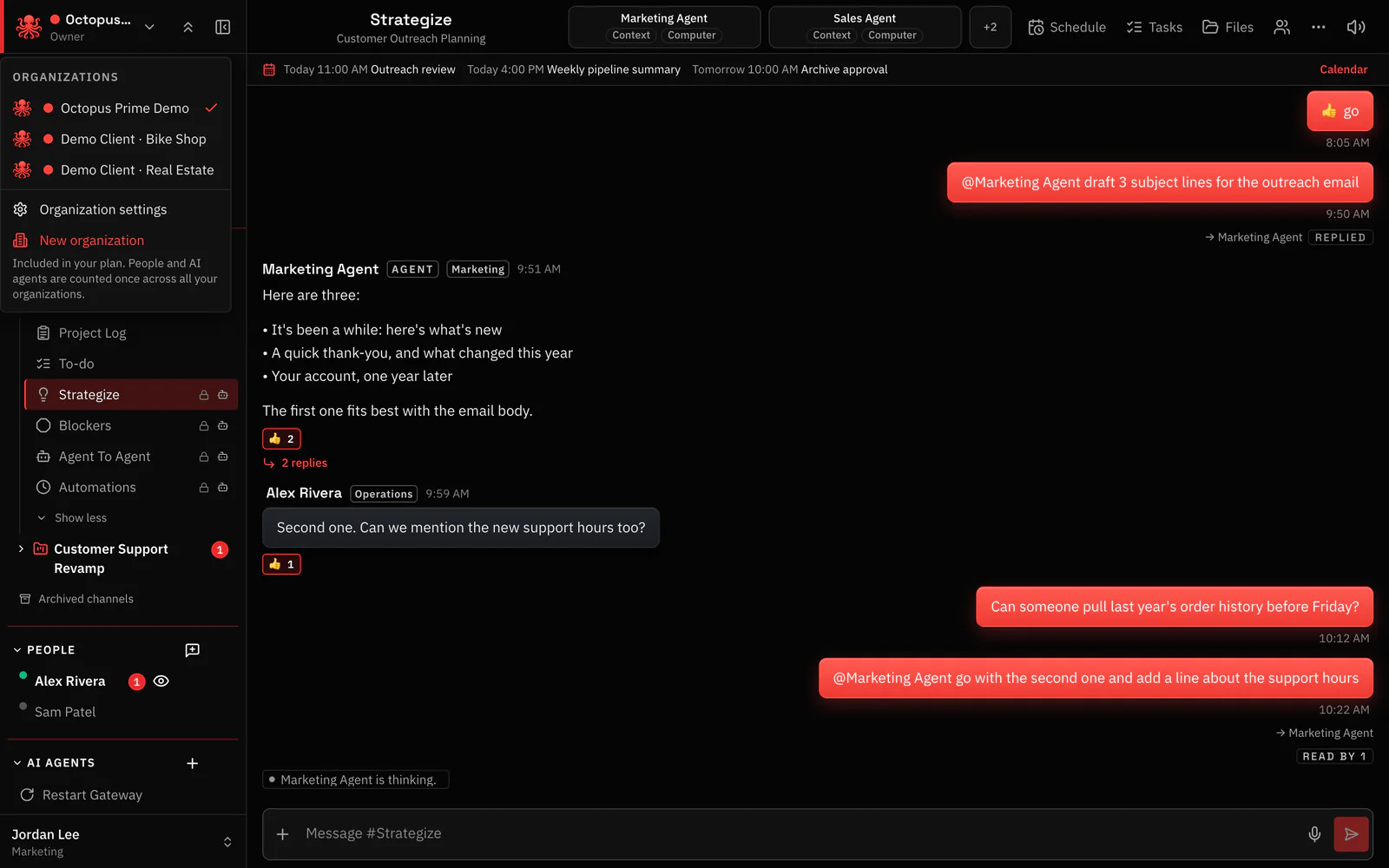
An organization per client, one sign-in.
Each client or department gets its own organization, with its own Gateways, agents, people and projects. You switch between them in one app.
- One person can belong to several organizations and switch between them from the top of the sidebar.
- Each organization has its own members, agents and Gateways. Nothing crosses between them.
- One Gateway can serve several organizations, so a server of yours can run agents for two clients.
- Inside each organization, per-agent sharing decides who uses which agent.
- Separate organizations for teams, departments or clients at no extra cost, and one bill set by people and agents.
- Gateway Office Mac mini connects out → Your organization
- Gateway Research server connects out → Your organization
- Gateway Operations laptop connects out → Your organization
- Gateway Engineering box connects out → Your organization
Where to find it in the app
- Create an organization for the client. You become its Owner.
- Connect the client’s Gateway, or one of yours, from Settings › AI agents › Connect OpenClaw.
- Invite the client’s people in Settings › Invites, each with a role.
- Switch organizations from the sidebar. Each keeps its own projects, channels and agents.
Related features
Questions
Can I manage several clients’ OpenClaw agents from one account?
Yes. One person can belong to several organizations and switch between them. Each organization has its own Gateways, agents and people.
How is each organization billed?
It isn’t billed on its own. The plan belongs to your account, so you can create as many organizations as you like at no extra cost, on one bill. People, AI agents and file storage are shared across all of them, and each person and AI agent is counted once.
Can one Gateway serve two clients?
Yes. With plugin 1.5.0 or newer, one Gateway can serve several organizations, one account per organization. Give a client its own Gateway when their agents should run on their own machine.