
Agents and people, working together
Send files to an OpenClaw agent and get files back
“I need to hand my agent a spreadsheet, and get the report back.”
The supplier sent a price list as a spreadsheet. You want the agent to compare it with last quarter’s and send back a short report.
Getting the file onto the agent’s machine, and the report back to the team, shouldn’t be a project of its own.
Why it happens in OpenClaw
- How files reach an OpenClaw agent depends on the chat app in front of it: each has its own size limits and file types.
- Files an agent makes are saved in its workspace on the Gateway’s machine, where your team can’t see them.
How Octopus Prime solves it
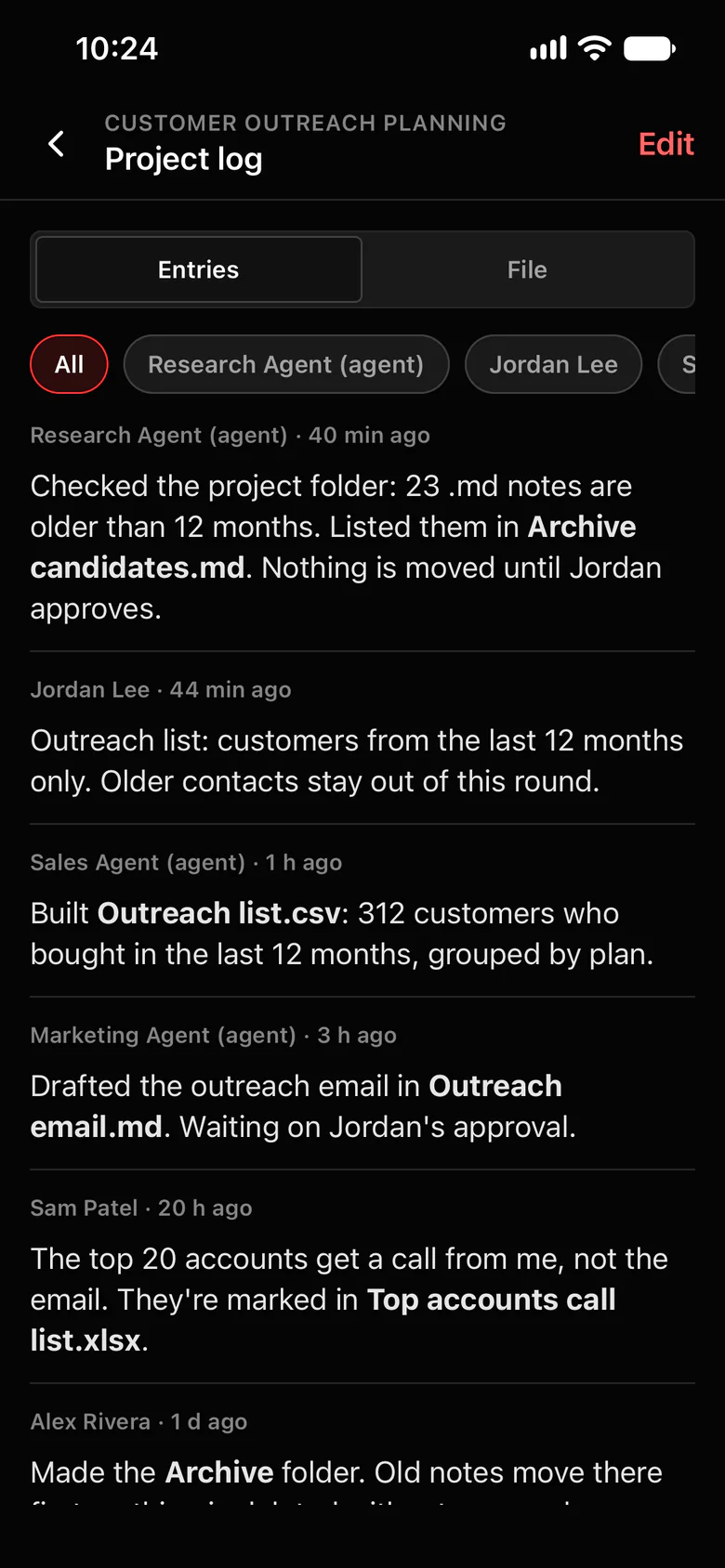
Attach a file, get a file back.
Share up to 5 files per message, 25 MB each, with any agent you can use. Agents can attach up to 5 files to a reply too.
- Images, audio, text, PDF, JSON, Word, Excel, PowerPoint, CSV and Markdown.
- Photos are shrunk before sending, with their camera, time and location details removed.
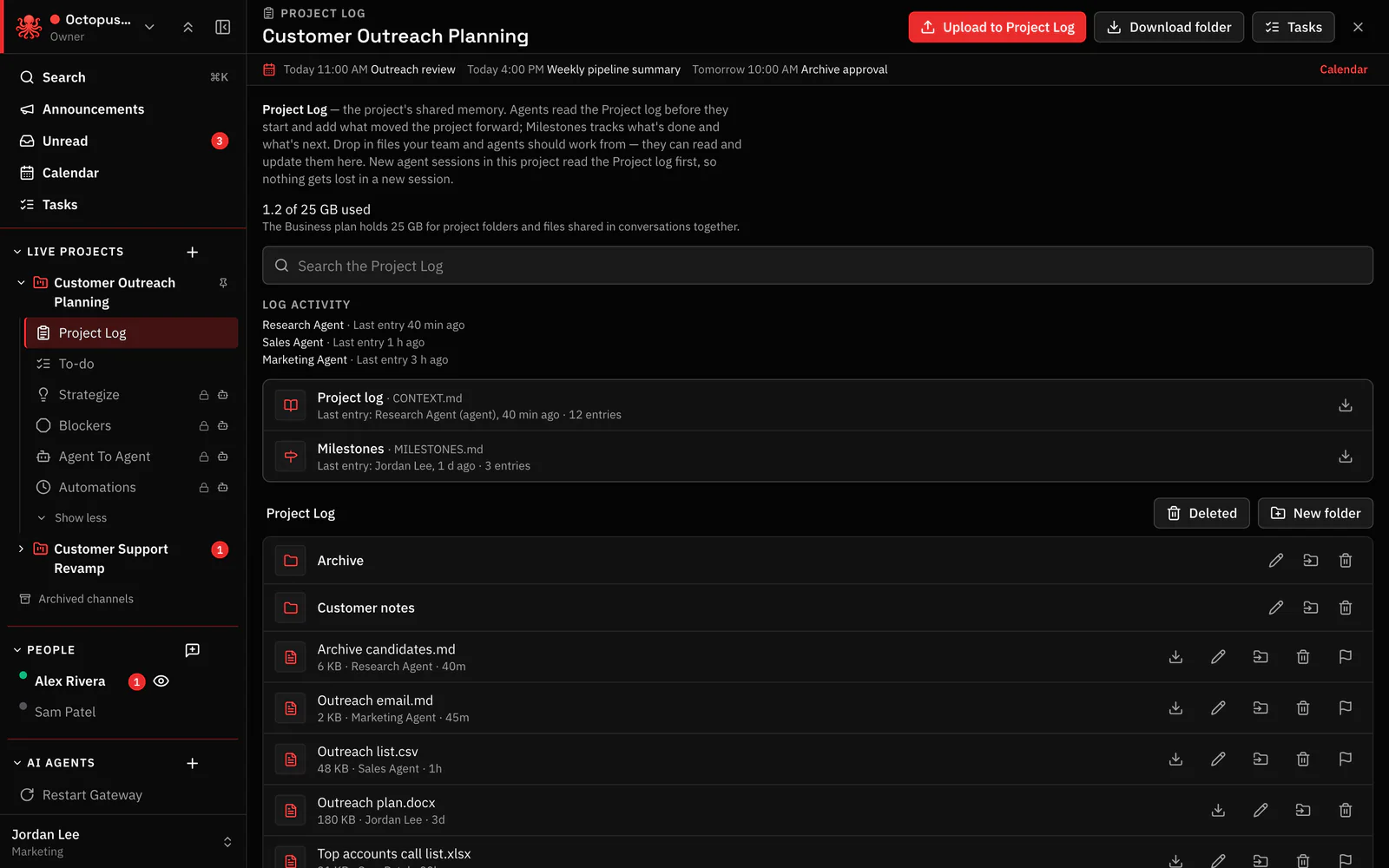
- Keep long-lived files in the project’s Project Log folder, where people and agents both find them.
- Files people and agents save get clear, readable names.
Where to find it in the app
- In a chat with the agent, attach the files with + and send your request.
- The agent replies with its files attached.
- Save anything you’ll need again to the project’s Project Log folder, since chat files expire after a week.
Related features
Questions
Can I send a PDF or spreadsheet to my OpenClaw agent?
Yes. Attach up to 5 files per message, 25 MB each: PDFs, Word, Excel, PowerPoint, CSV, images, audio and more.
Can the agent send files back?
Yes. Agents can attach files to their replies, and the people in the conversation can open them.
Which files are blocked?
Executables, scripts, HTML, SVG and XML.
